What Happens on Your Mac, Stays on Your Mac
The Geode Manifesto: Why absolute data sovereignty requires a fully on-device architecture.

The Geode Manifesto: Why absolute data sovereignty requires a fully on-device architecture.
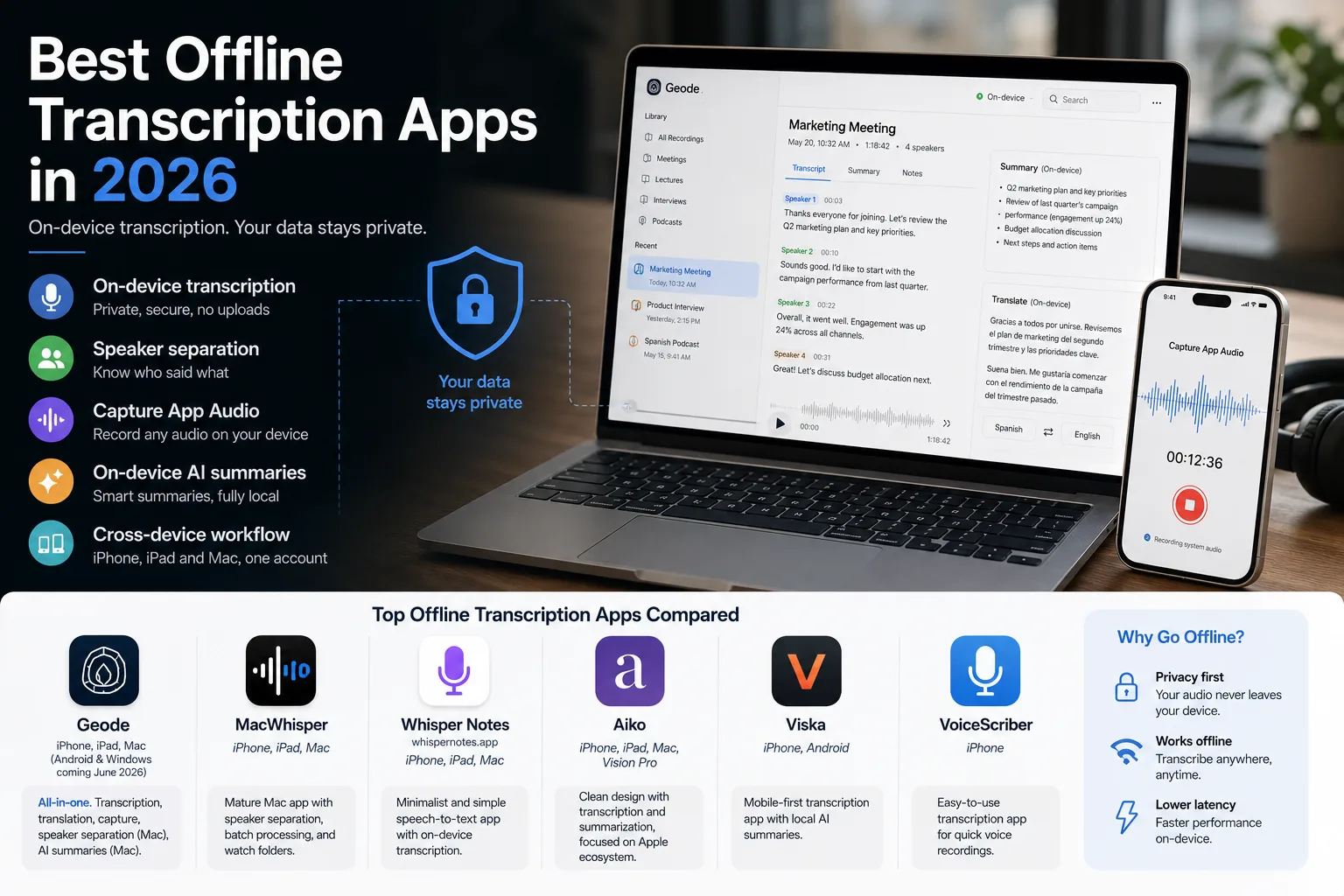
Compare the best offline transcription apps in 2026 — on-device transcription, local summaries, speaker separation, and cross-device workflows.
Beyond simple transcription: Leveraging on-device LLMs for speaker separation and structured insights.
From Zoom calls to face-to-face meetings—Geode protects your conversations wherever they happen.
This article explains why many “offline” transcription tools still expose sensitive data through fragmented workflows—and how a fully on-device, closed-loop approach eliminates that hidden privacy gap.

Cloud transcription tools prioritize convenience through shared servers, while this article explains why sensitive conversations are better protected by Geode’s fully on-device, cloud-free “vault” approach.
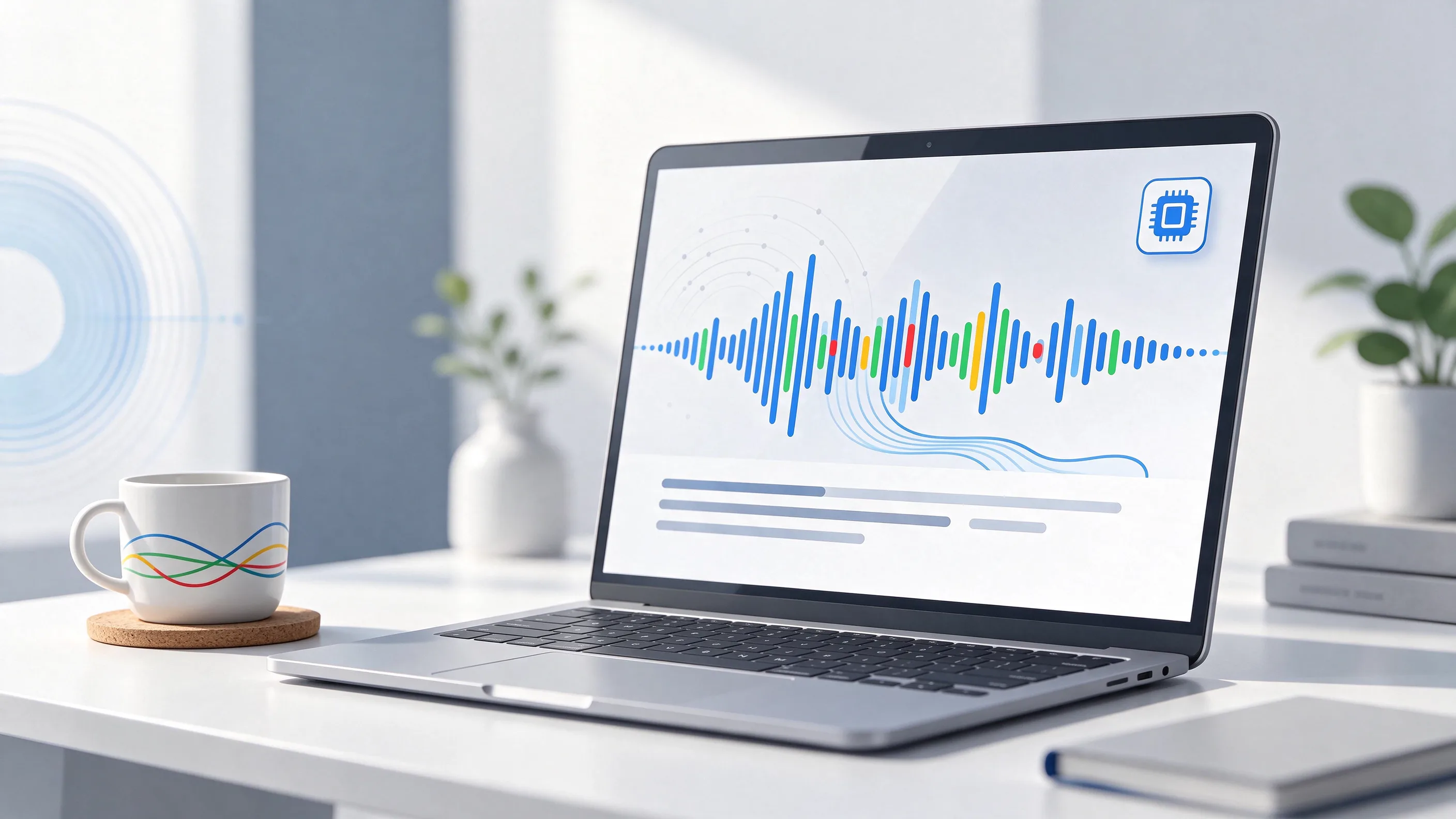
Compare the best daily transcription apps for people who record every day, with options for meetings, interviews, voice notes, local transcription and recurring workflows.
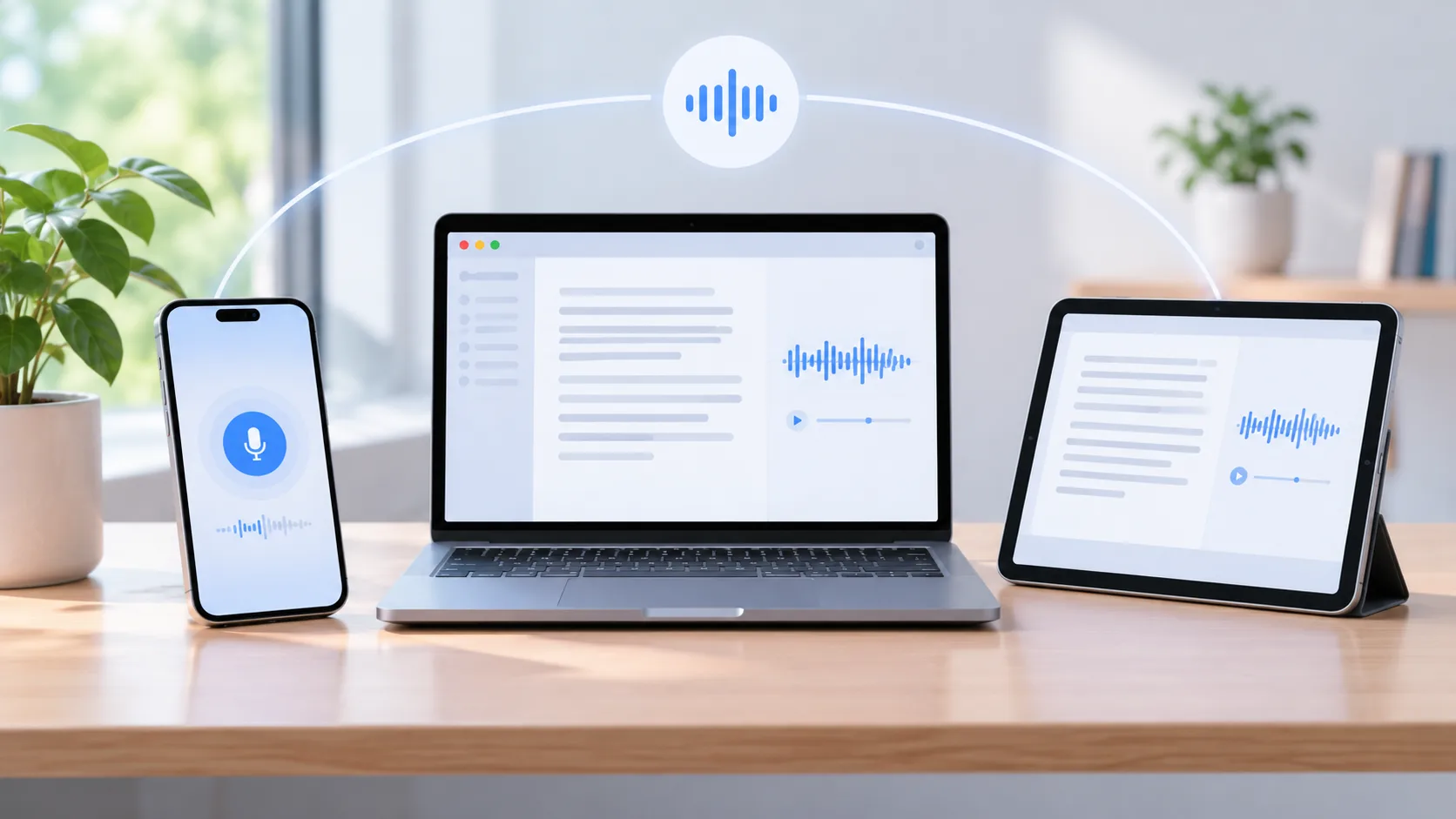
Learn how to choose transcription software across Windows, Mac, iPhone and Android, including mobile capture, desktop review, local processing and cross-device workflows.

Secure transcription for legal and financial records requires more than private AI. Learn how to protect audio and transcripts across recording, processing, export and sharing.
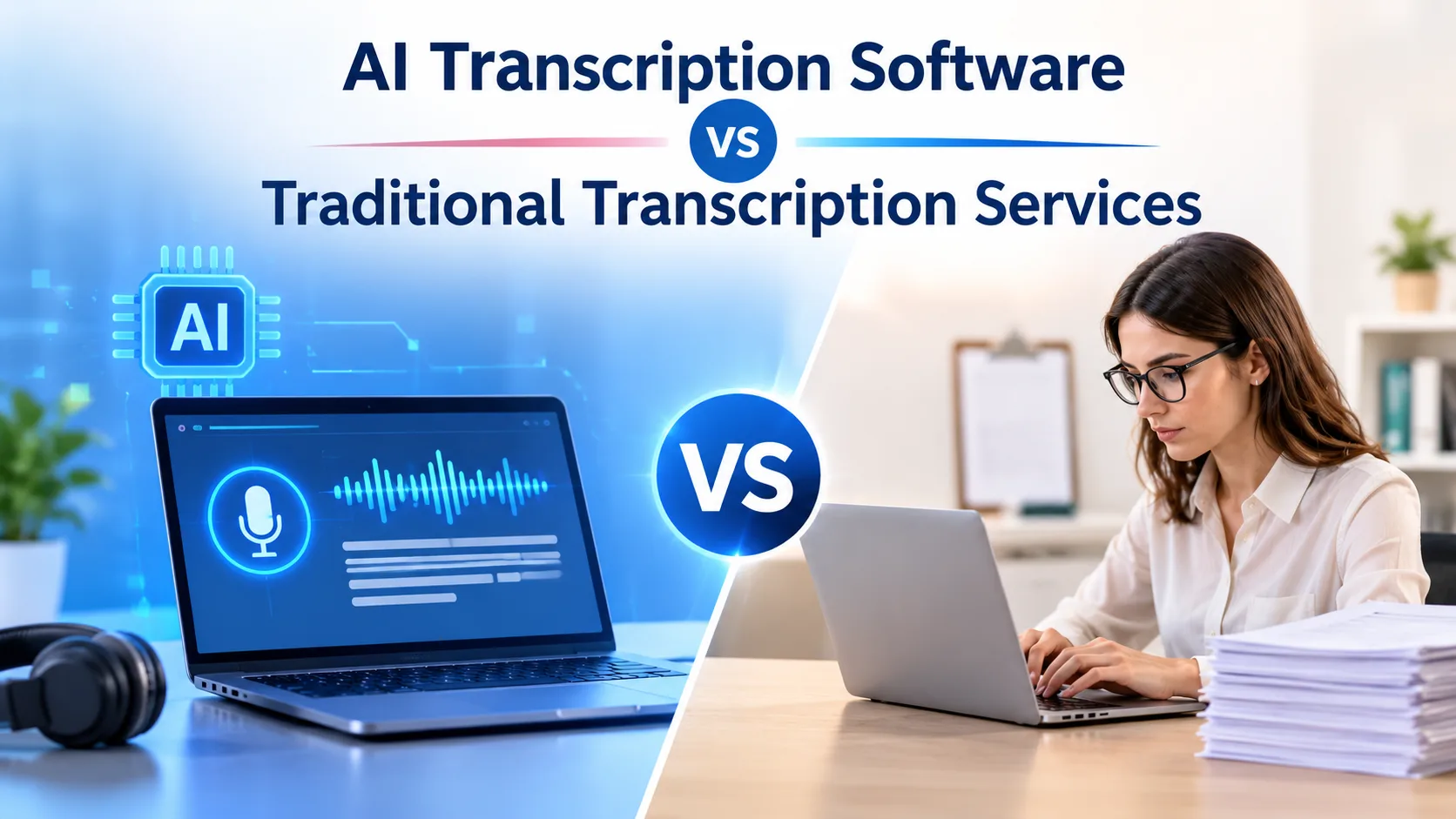
Compare AI transcription software with human transcription services for accuracy, speed, cost, privacy and review. Learn when AI, human transcription or a hybrid workflow makes sense.
The price of AI transcription is easy to compare when you have one recording. It becomes more complicated when transcription
Best Meeting Transcription Software Without Bot in 2026: Geode

Best AI Note-Taking Apps for Meetings, Lectures & Interviews in 2026
An AI note taking app can remove much of that tradeoff. It can capture the conversation, turn speech into text, and produce notes you can review after the meeting, lecture, or interview is over.
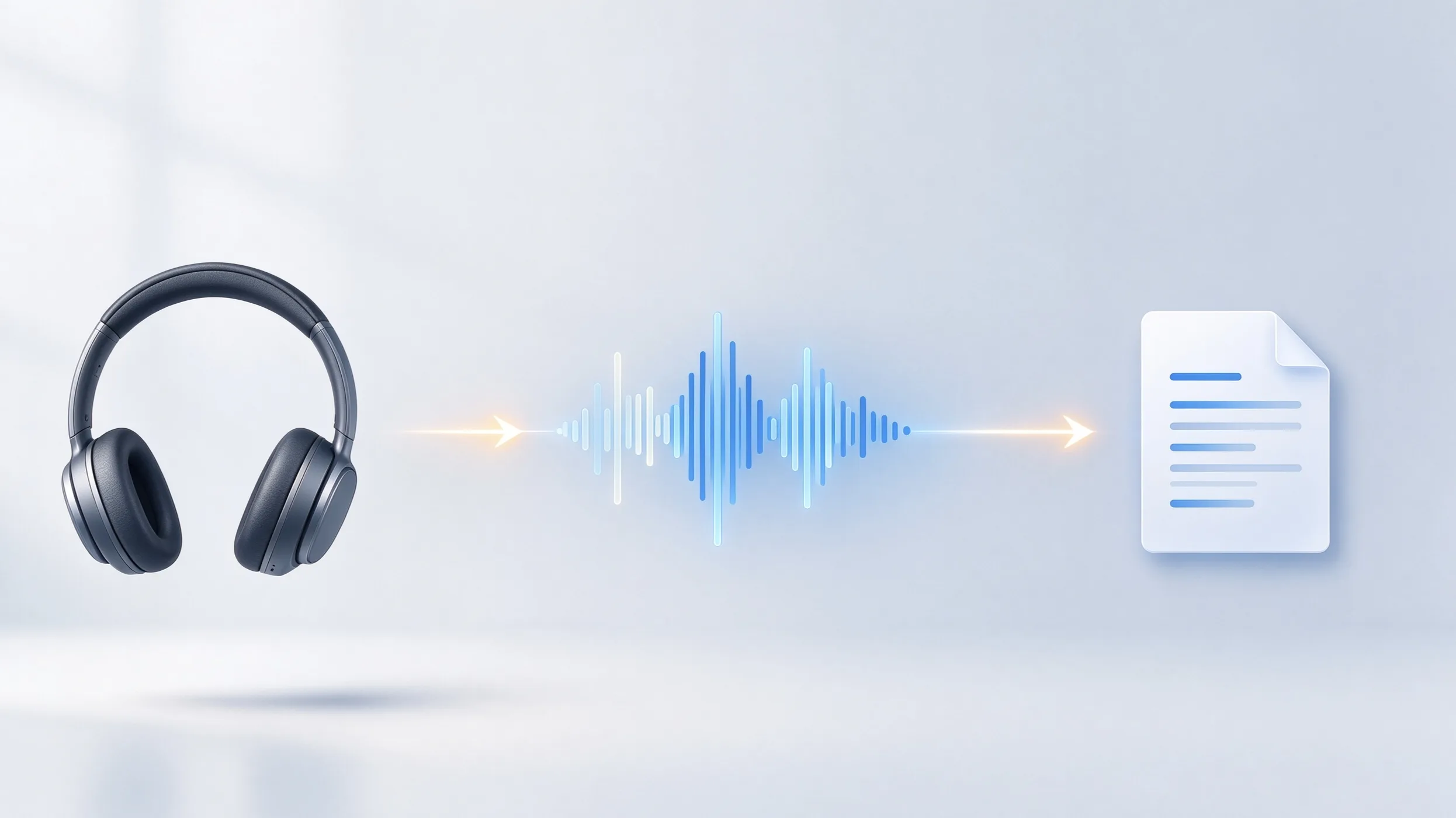
Learn how to transcribe and summarize audio recordings with AI, from searchable transcripts and speaker separation to useful AI summaries.
Voice Memos is one of the easiest ways to capture an interview, lecture, meeting, or quick idea on an iPhone.
AI transcription has moved well beyond turning speech into text. The better tools in 2026 can record conversations, separate speakers, generate summaries, create AI notes, and help you find important moments without replaying an entire recording.

The best transcription software for Mac depends on what happens before and after transcription, not just how accurately an app turns speech into text. MacWhisper is a strong choice for Mac users who want model choices, advanced settings, batch transcription, and configurable AI workflows.
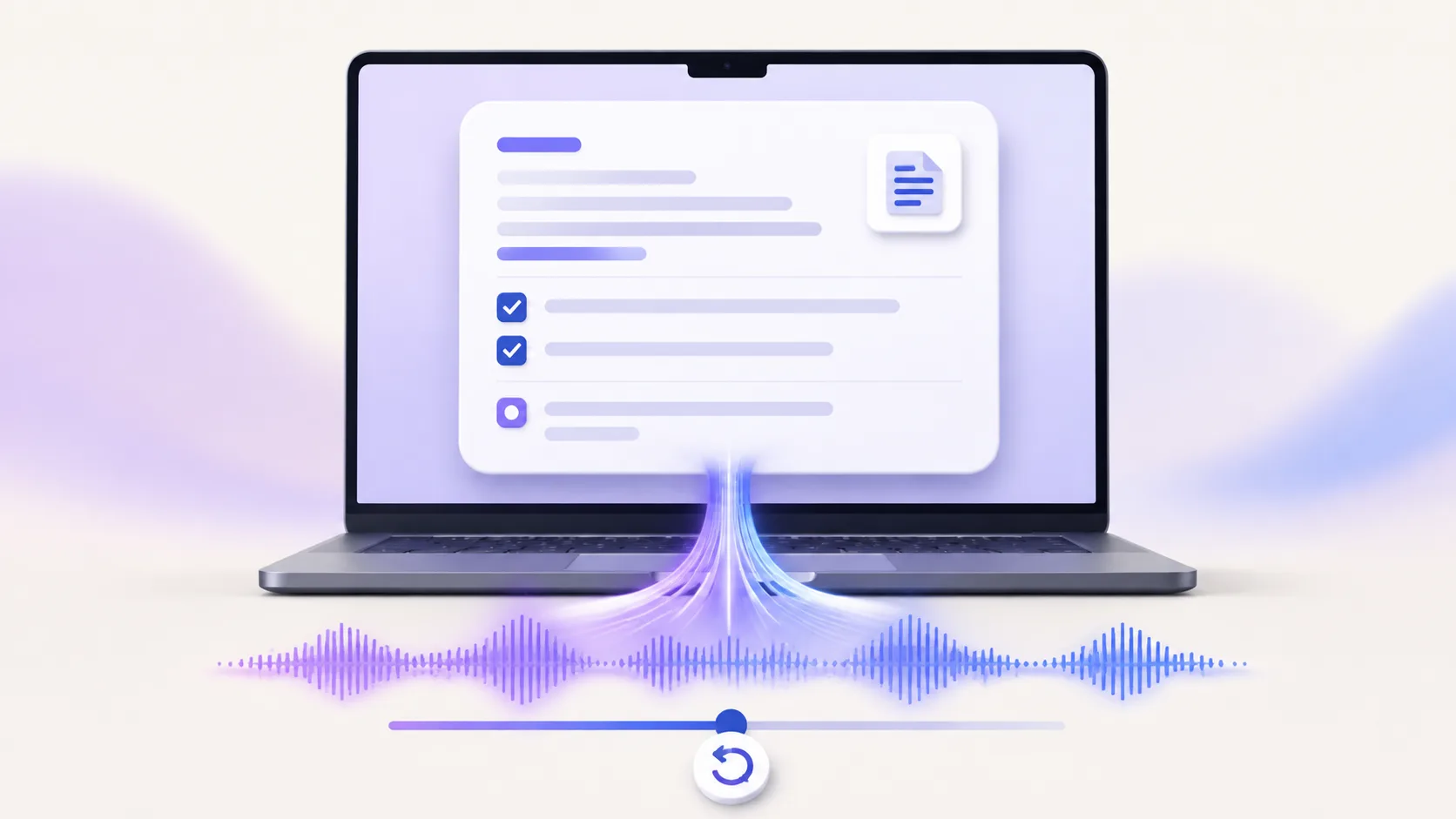
Learn how to create meeting notes from audio with AI transcription. Turn recordings into clear decisions, action items, and follow-ups while verifying important details against the transcript and source audio.
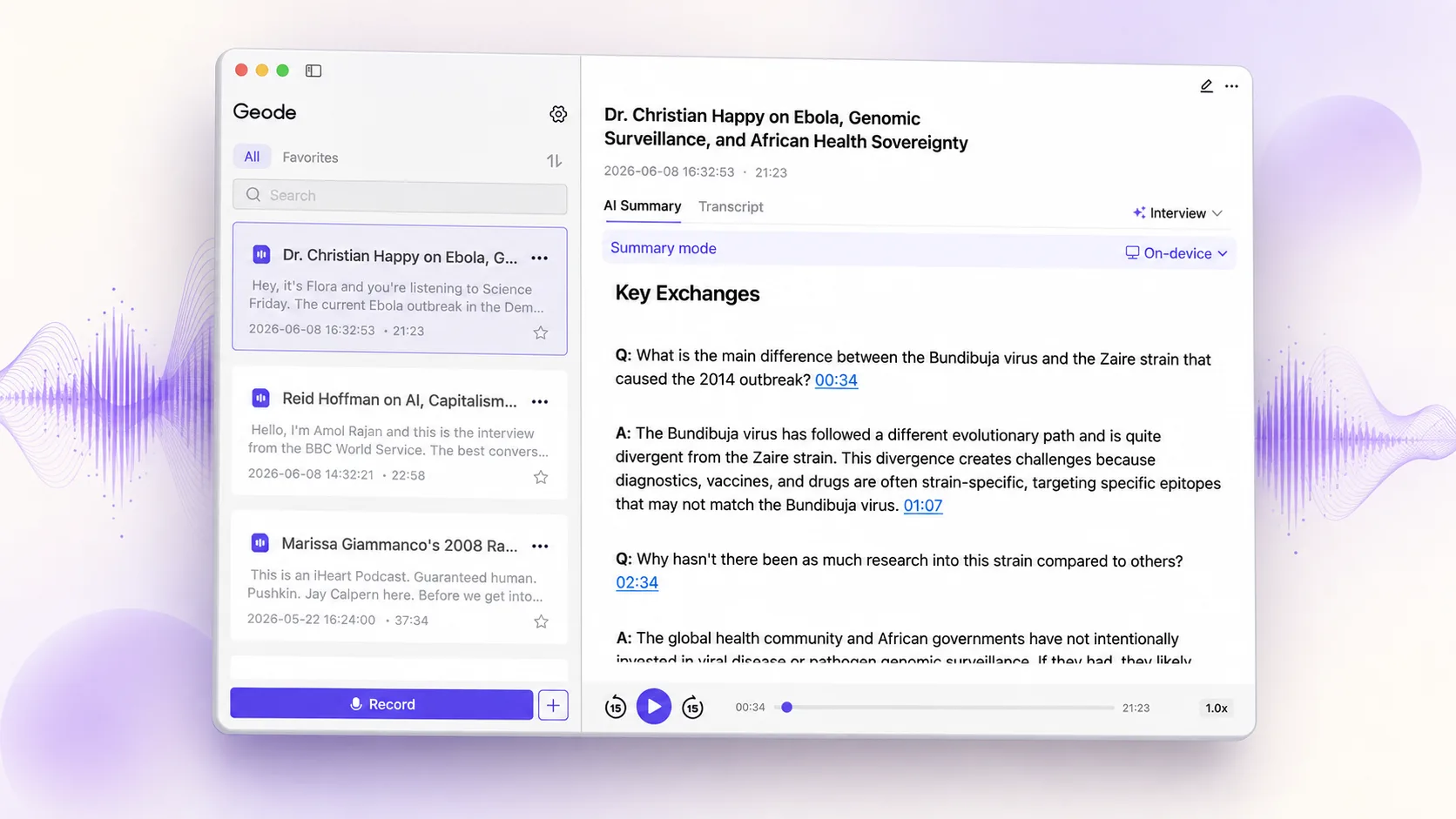
Learn how AI transcript summaries work, when they help, and when to verify the original transcript and audio for meetings, interviews, research, and long recordings.
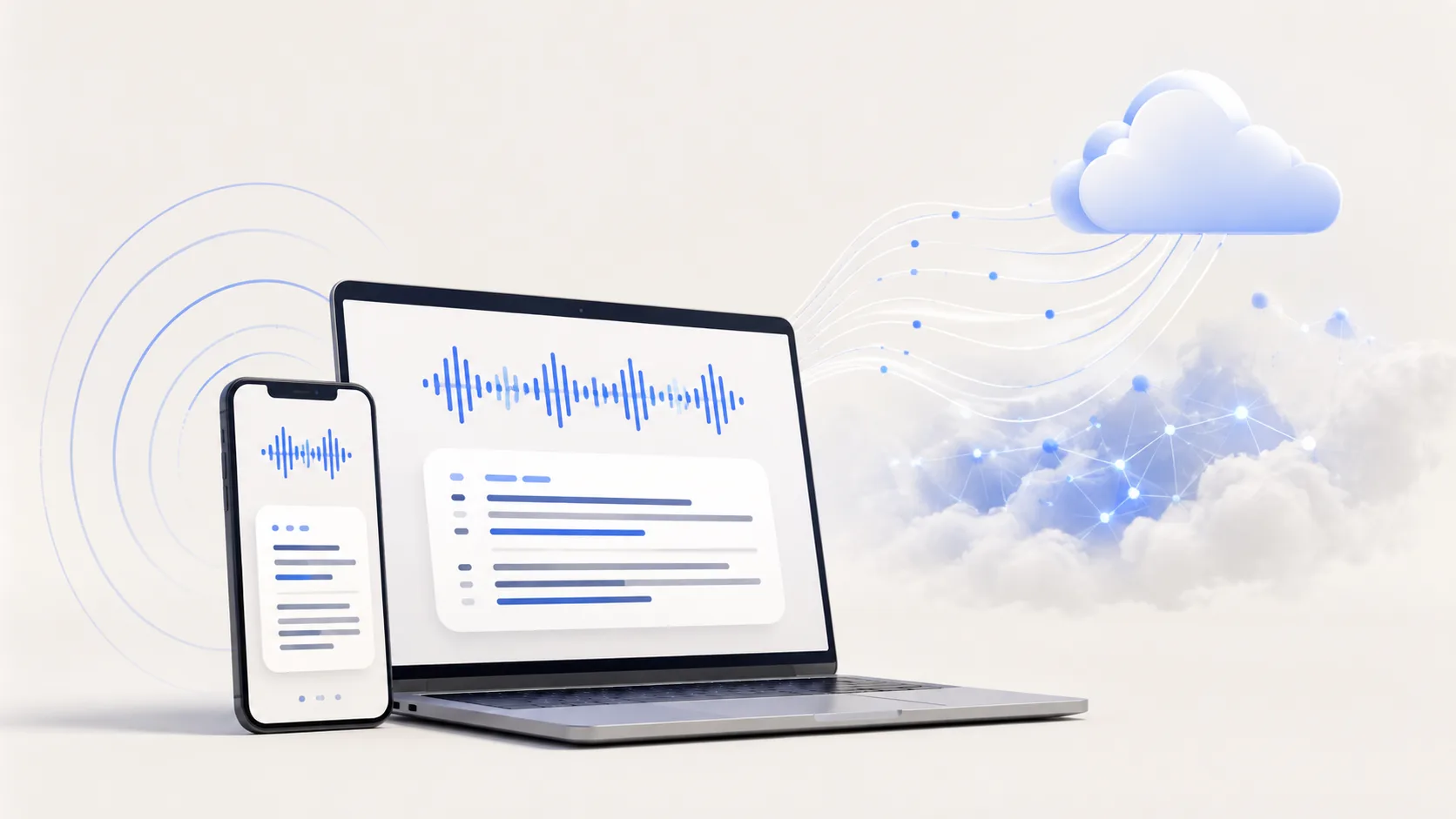
Compare local and cloud transcription software for privacy, accuracy, speed, cost, and offline workflow needs.
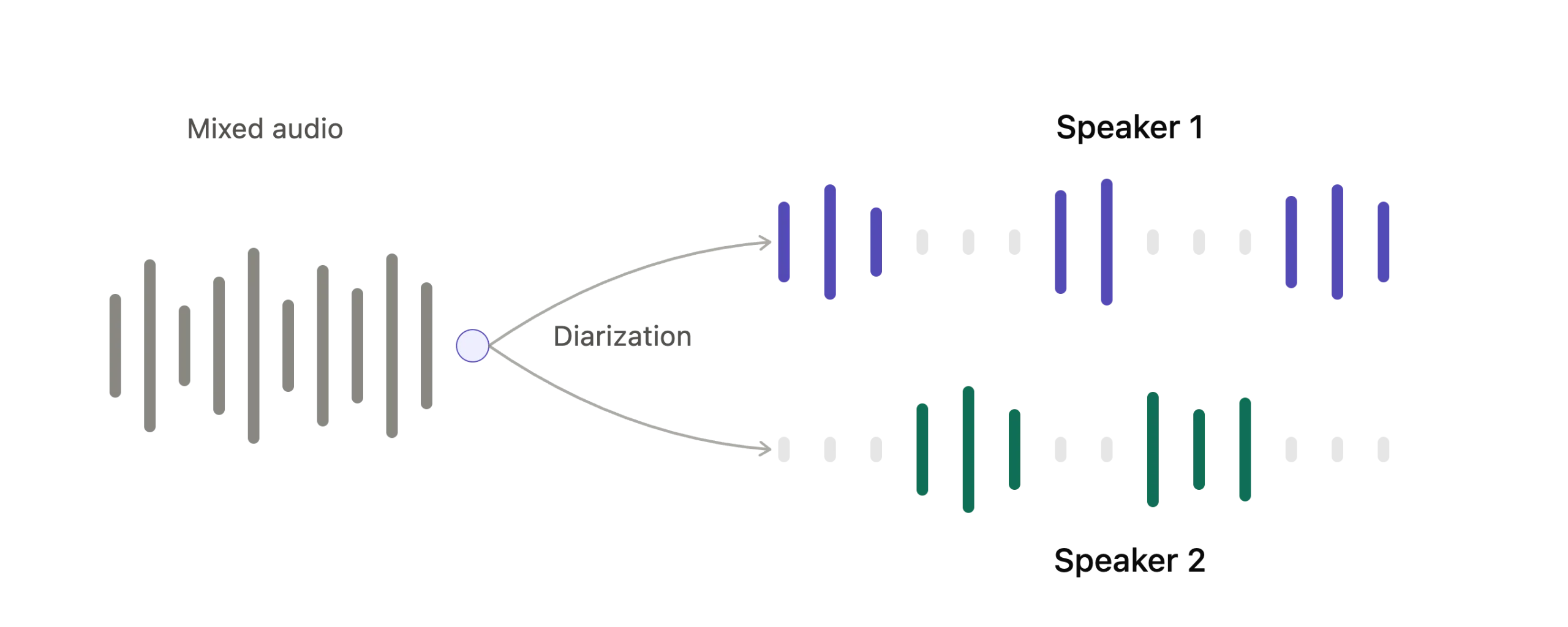
Learn what speaker diarization is, how AI separates speakers in a transcript, and why review and speaker labels still matter.
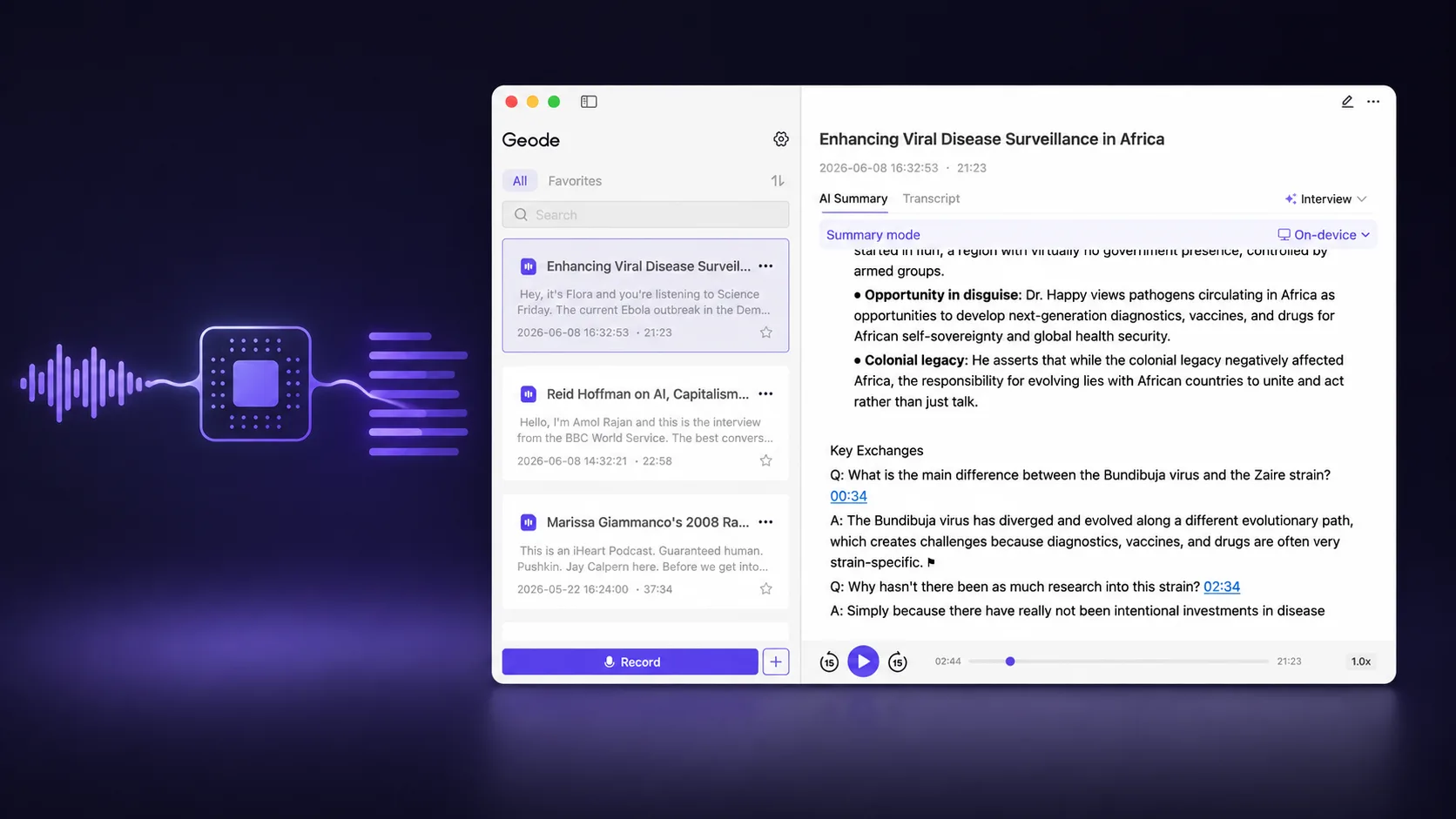
Learn how offline AI transcription works without internet. Understand local speech recognition, device-based processing, and how privacy-focused transcription apps work.
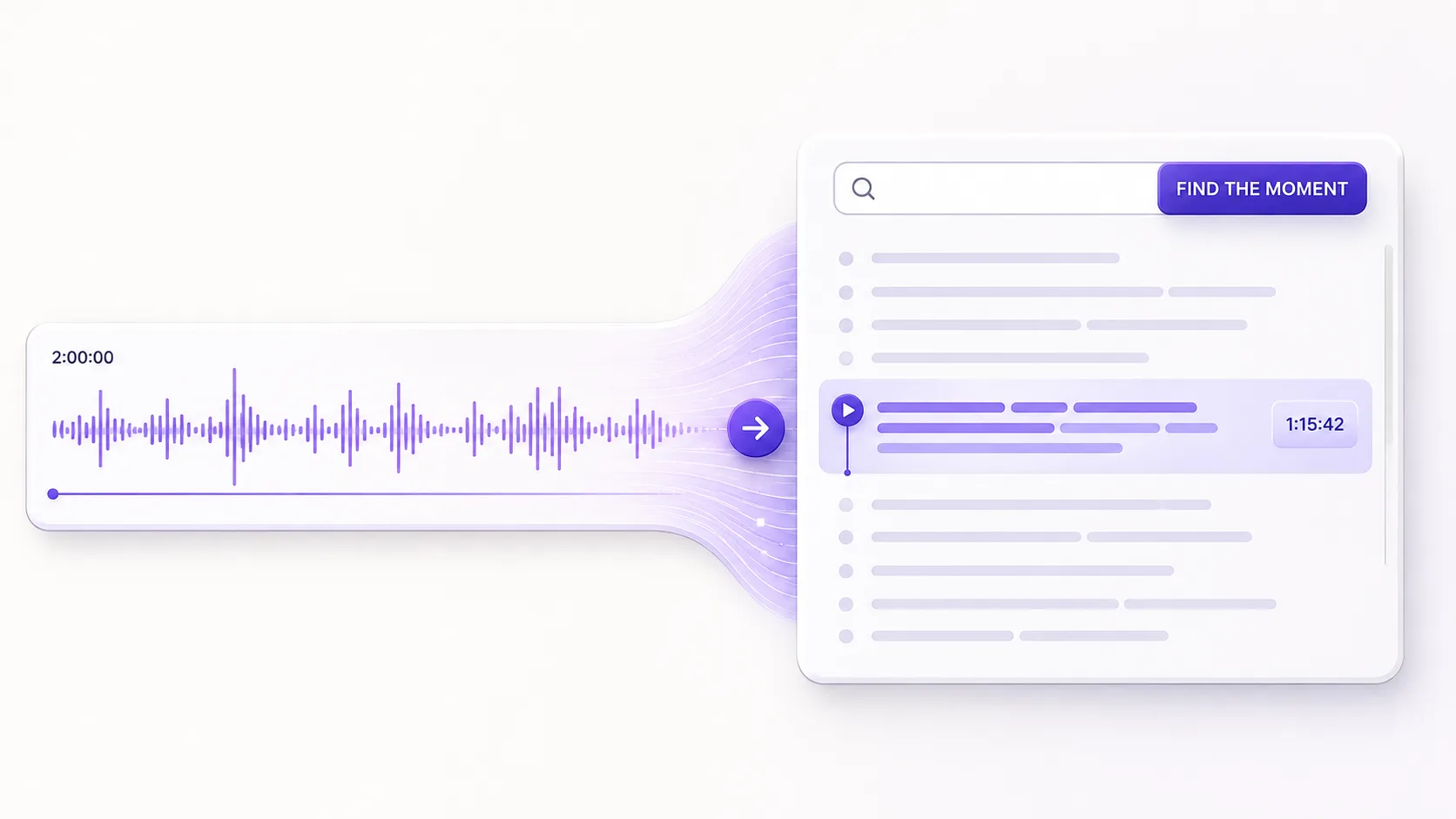
Learn how to transcribe a 2-hour interview with AI. Compare manual, human, and AI transcription methods and discover a faster workflow for long interview recordings.
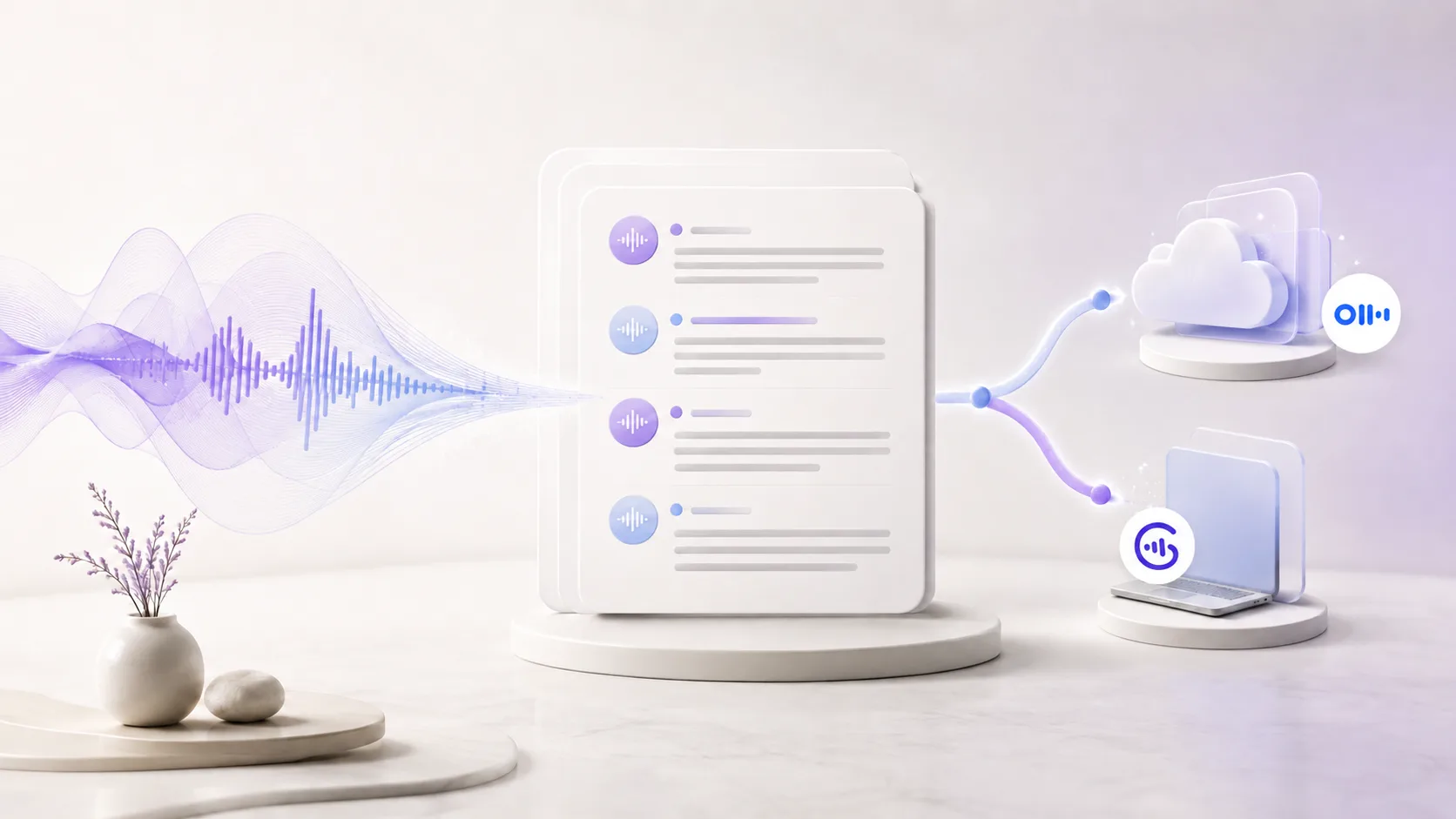
Explore Otter.ai alternatives and compare different approaches to AI transcription, including cloud-based, local AI, and privacy-focused transcription tools.
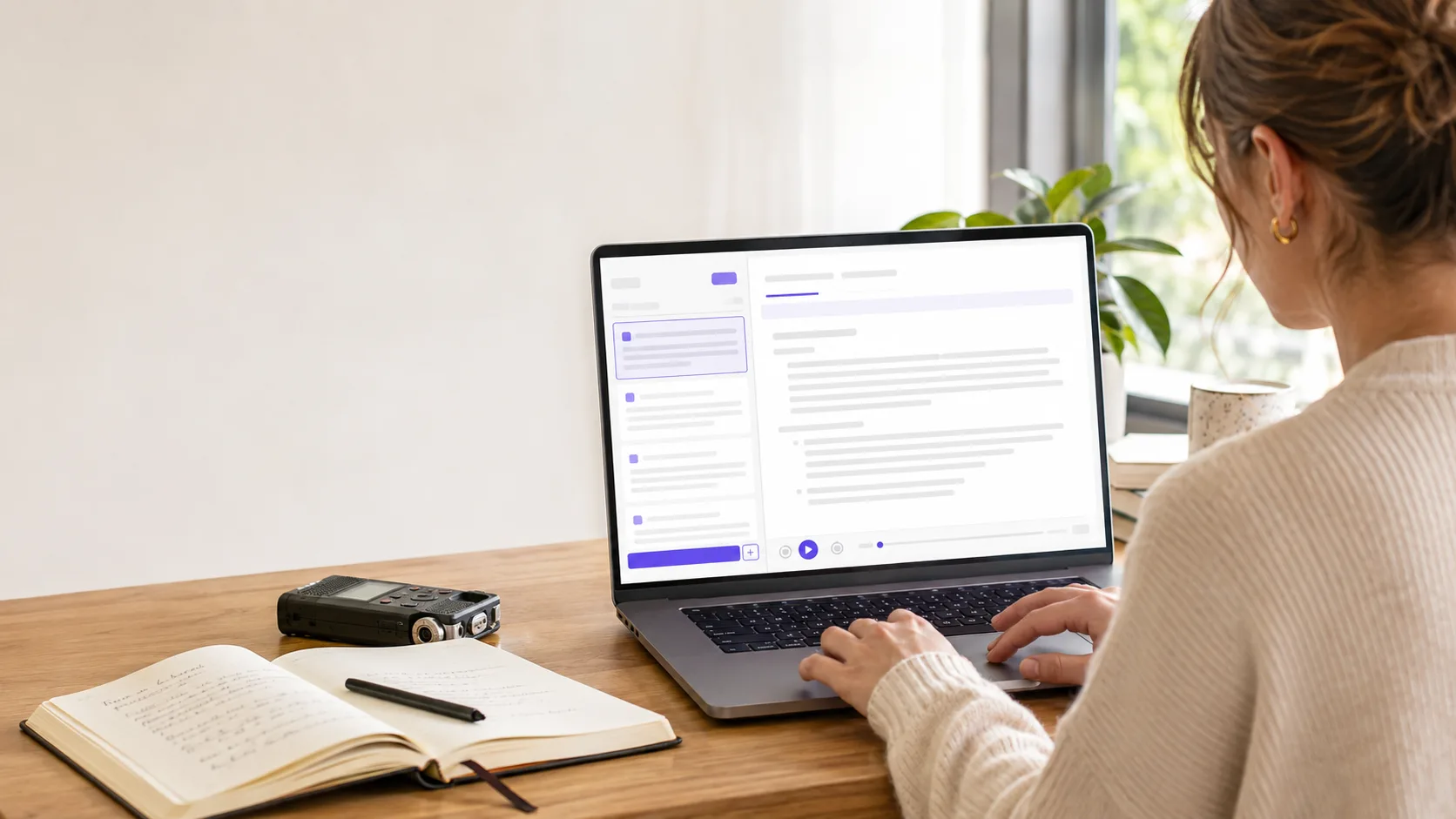
Learn how to transcribe research interviews with AI. Compare manual, professional, and AI transcription methods to organize searchable interview transcripts for qualitative research.
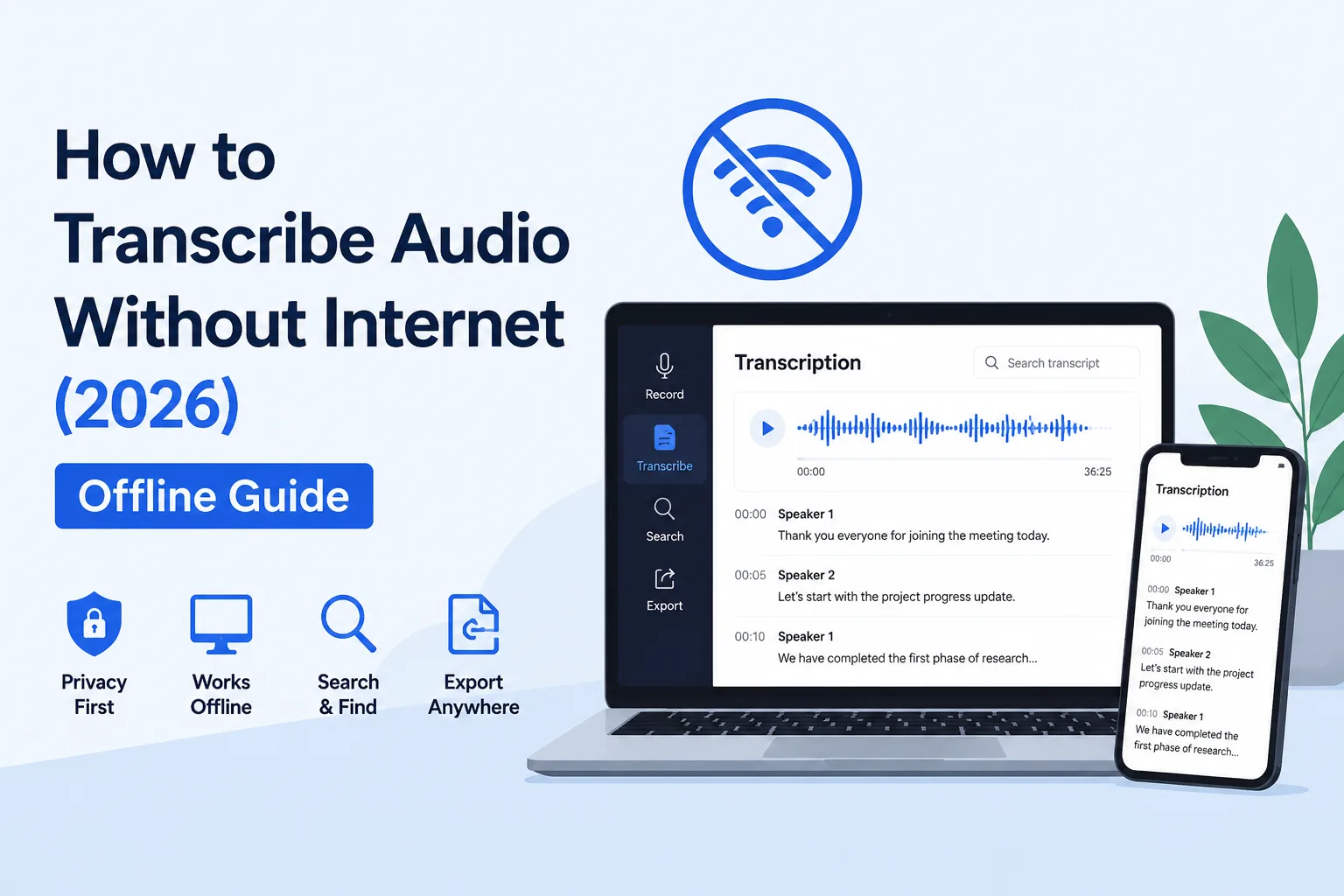
Learn how to transcribe audio without internet using offline transcription software. Compare private tools that convert recordings to text without uploading files.
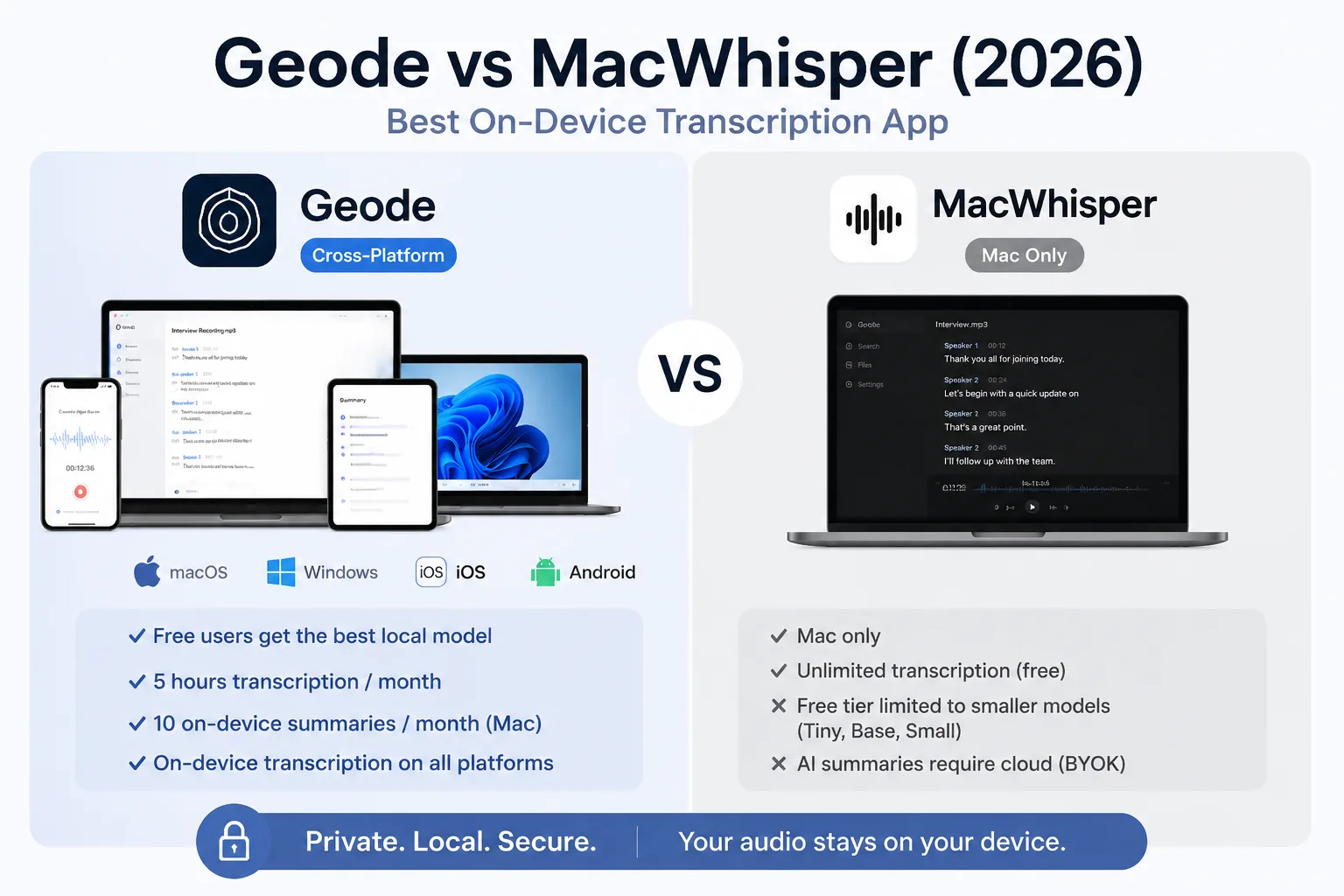
Geode vs MacWhisper compared: free-tier model access, on-device AI summaries, and platform support — see which local transcription app fits your workflow.
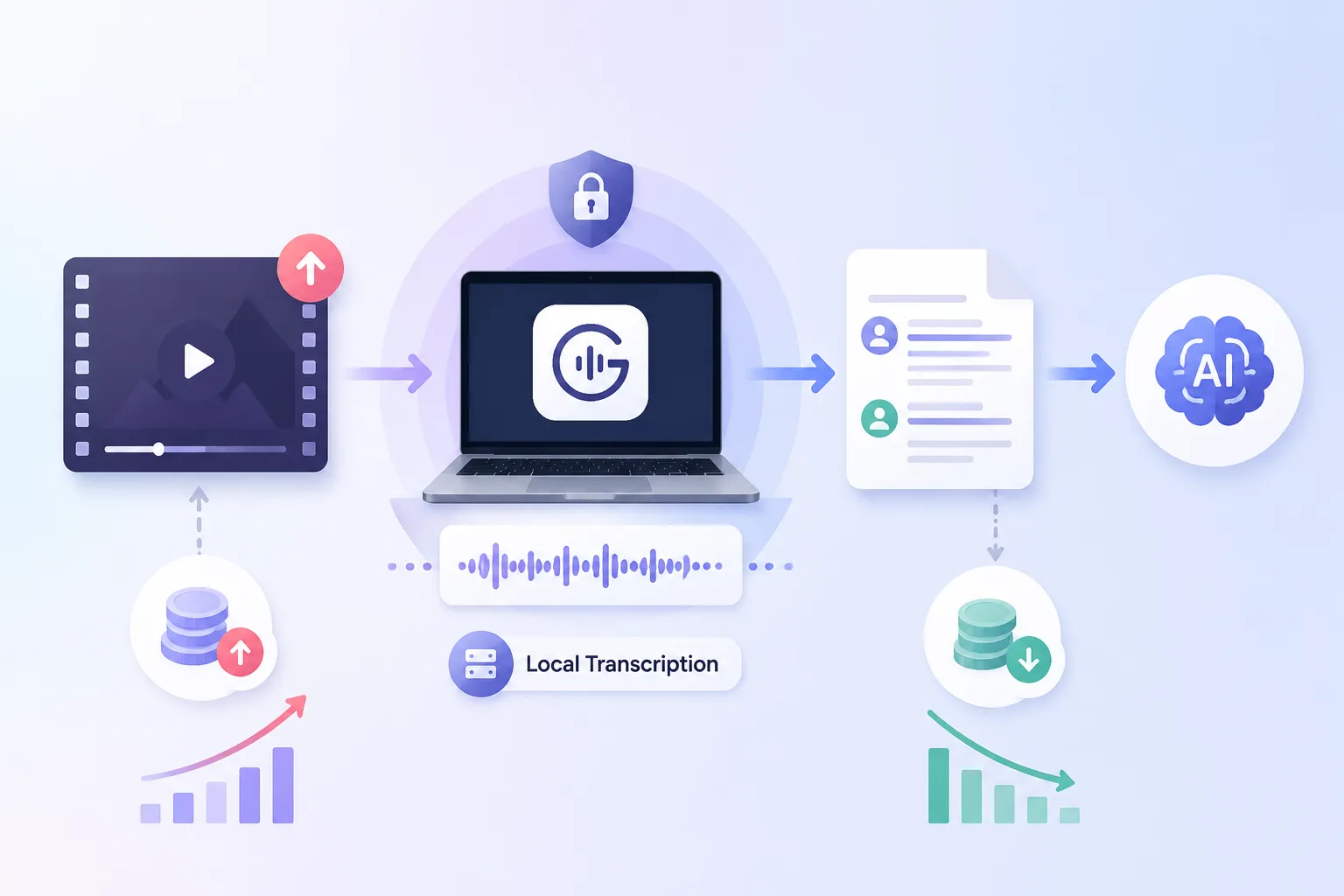
Video uploads burn far more AI tokens than text. Learn how to reduce AI token costs by transcribing video locally before you upload it to AI.
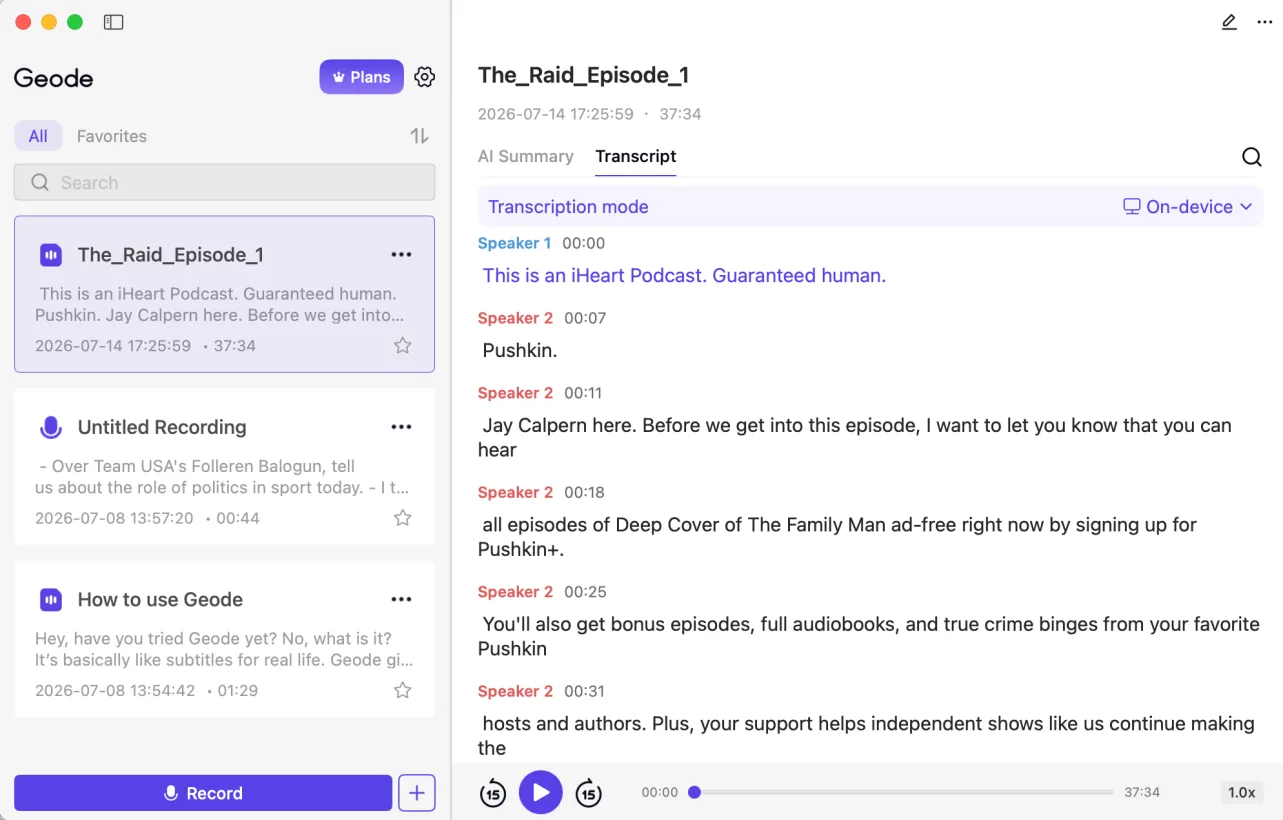
Struggling to separate speakers in a transcript? See how speaker separation works on Mac and Windows, and label every voice privately with local AI.
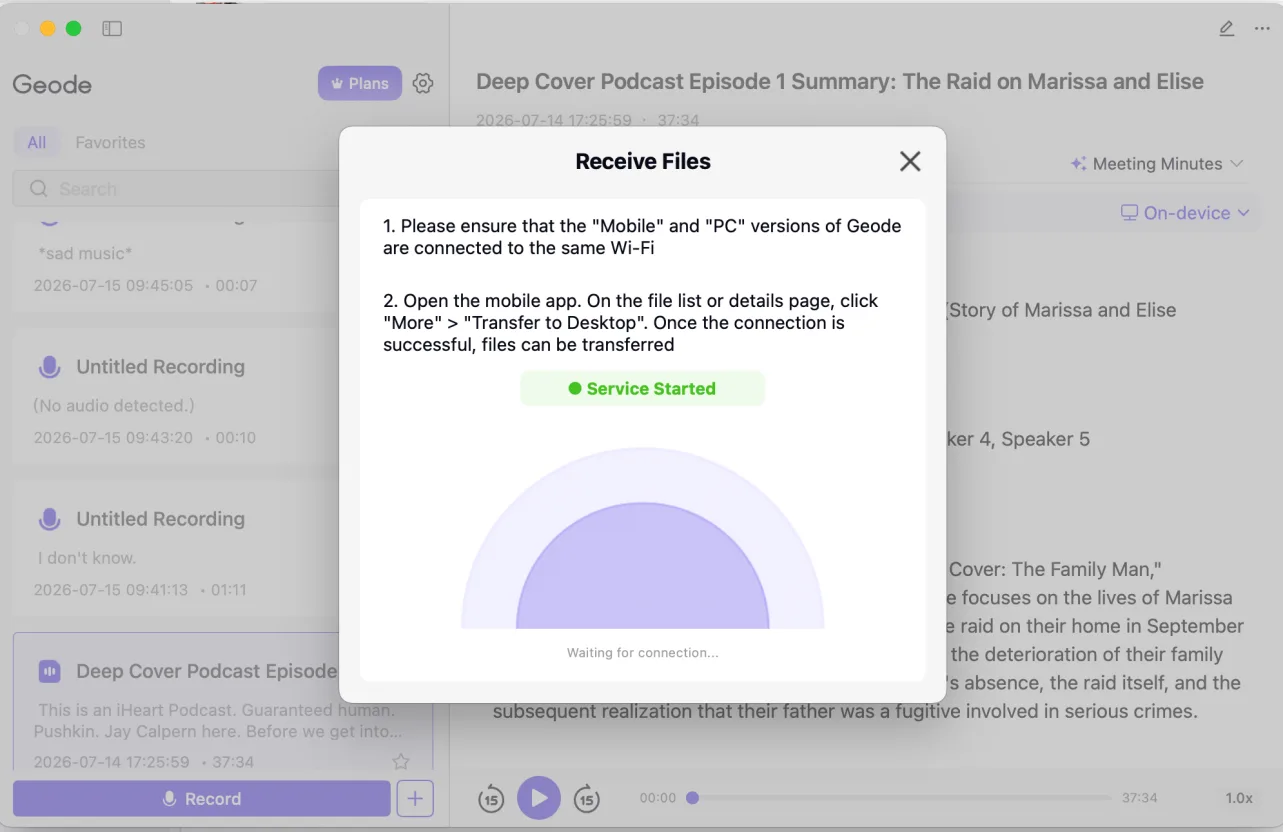
Learn how to transcribe and summarize audio step by step, from recording or importing a file to generating an AI summary, all processed locally.
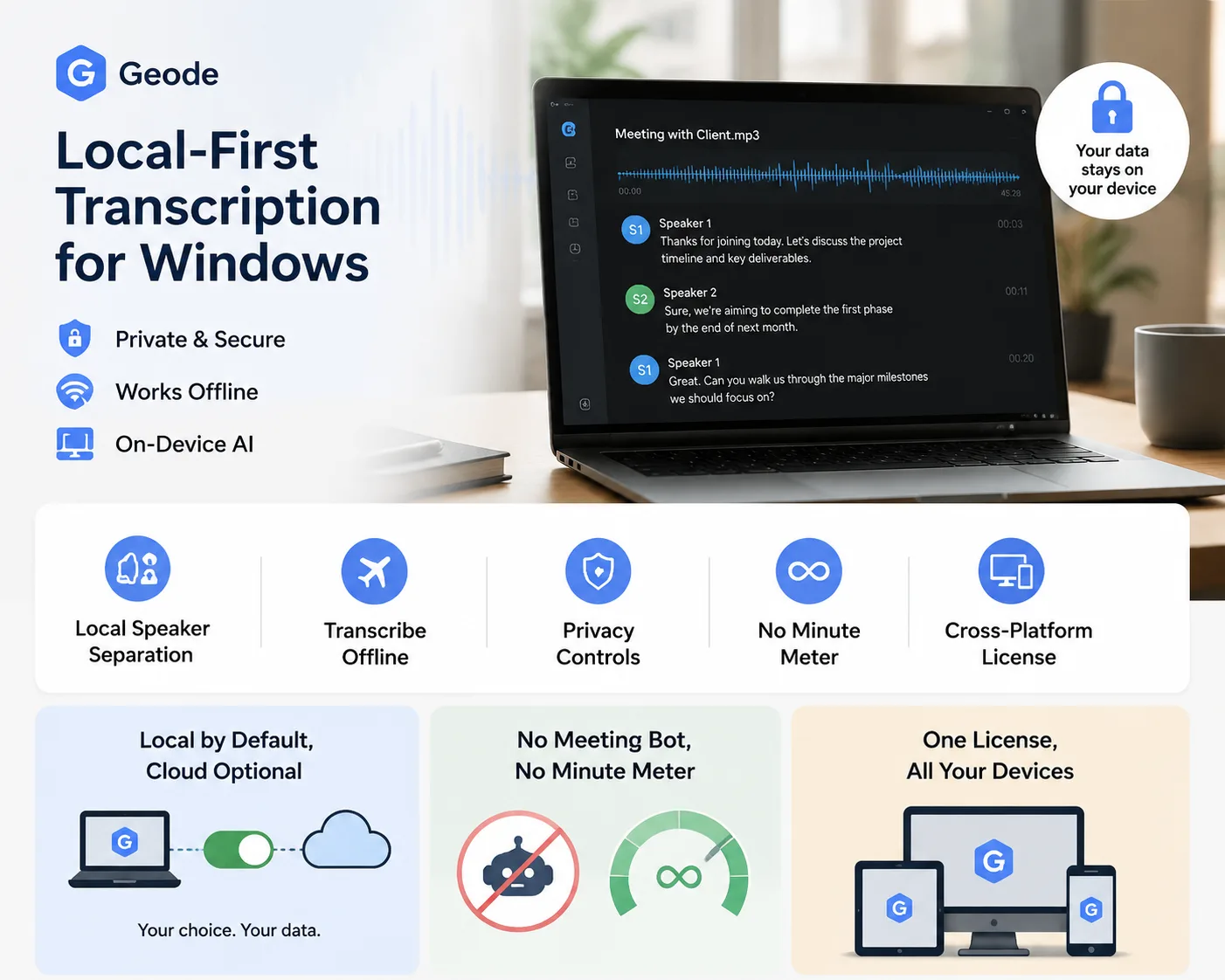
Looking for transcription software for Windows? Geode transcribes audio locally by default, supports offline workflows, and keeps cloud processing optional.
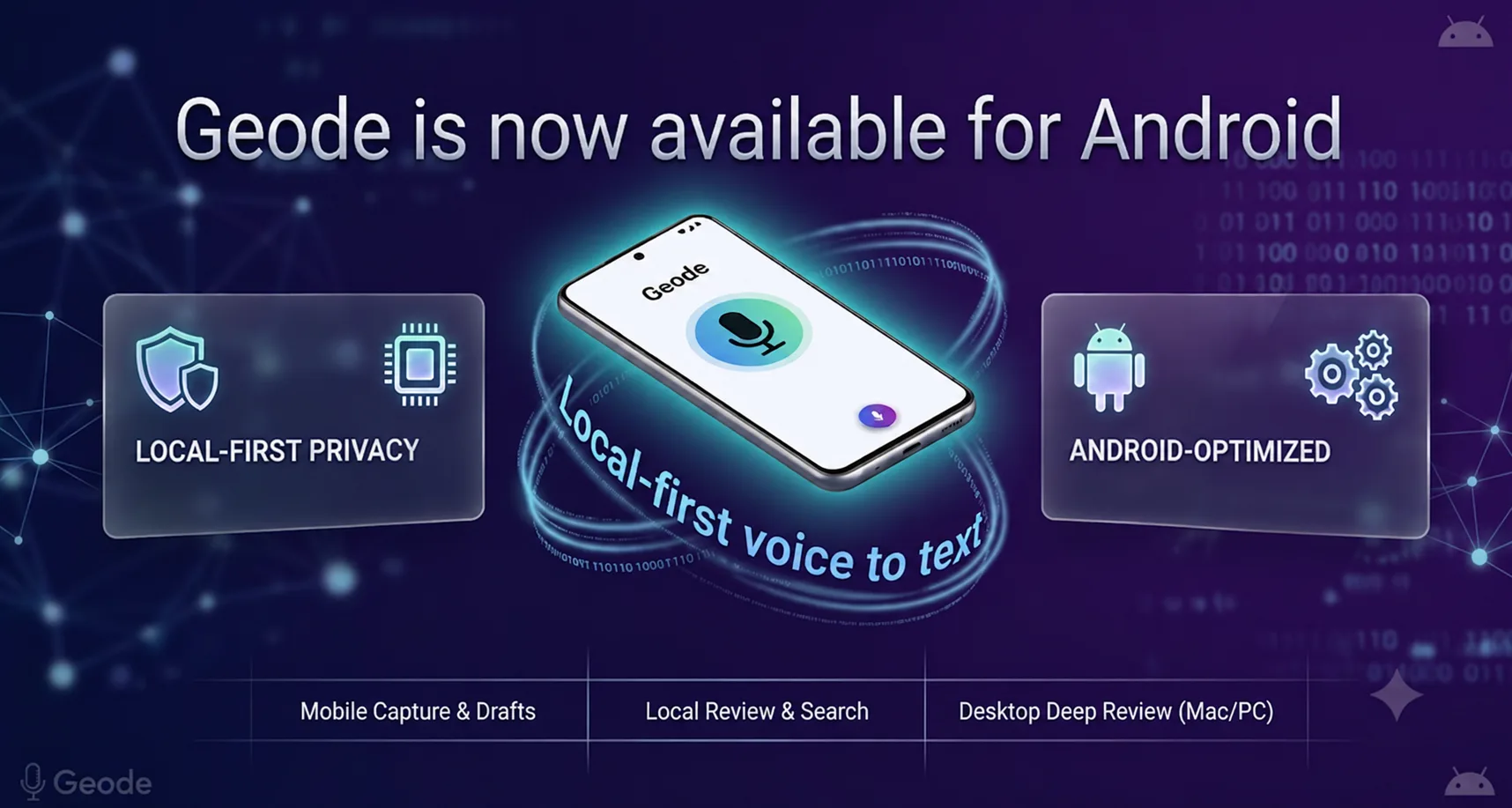
Looking for a private transcription app for Android? Geode transcribes voice recordings locally by default, supports offline workflows, and keeps cloud processing optional.
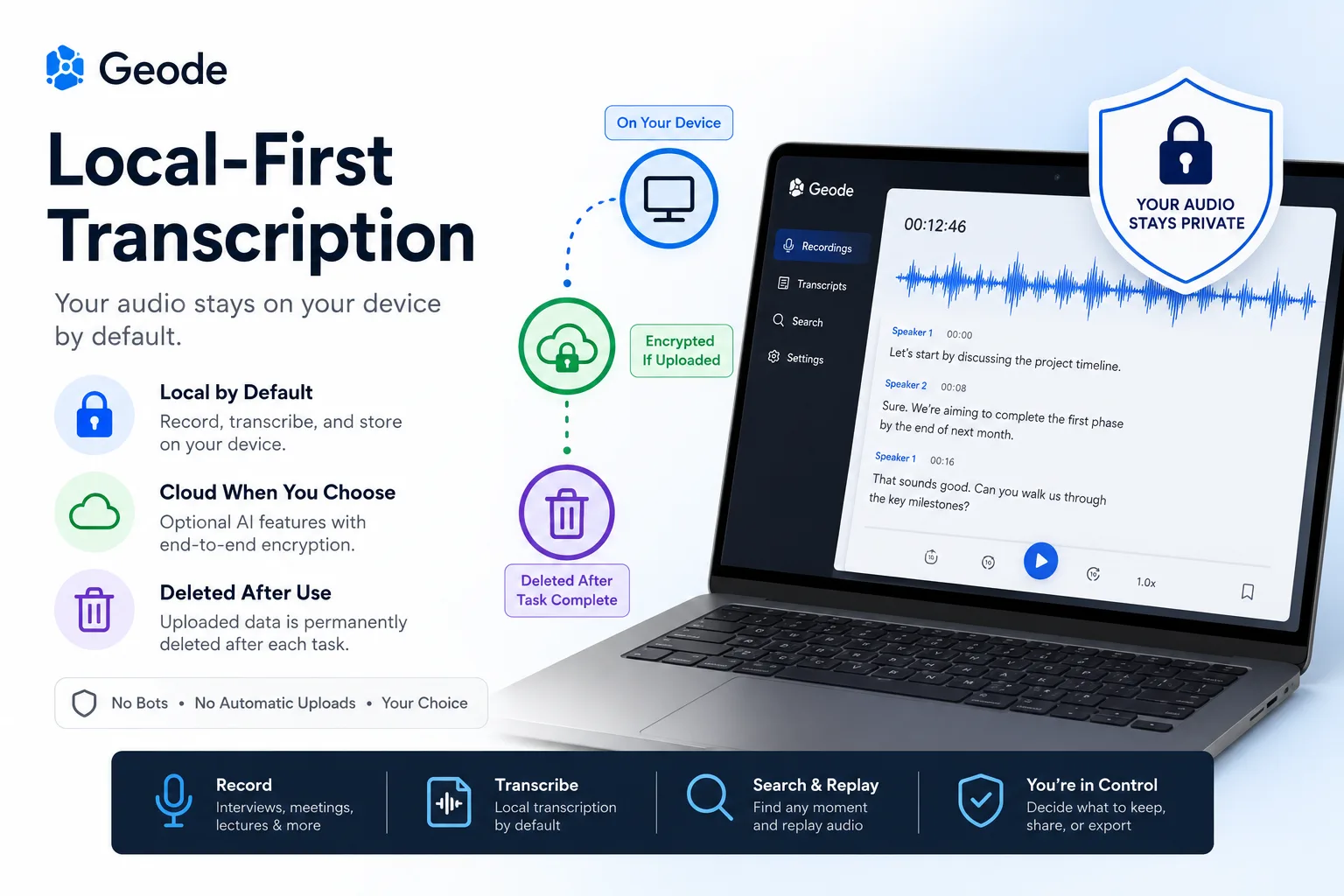
Local-first transcription keeps audio private by default, explains uploads clearly, and lets you choose when cloud features are used.
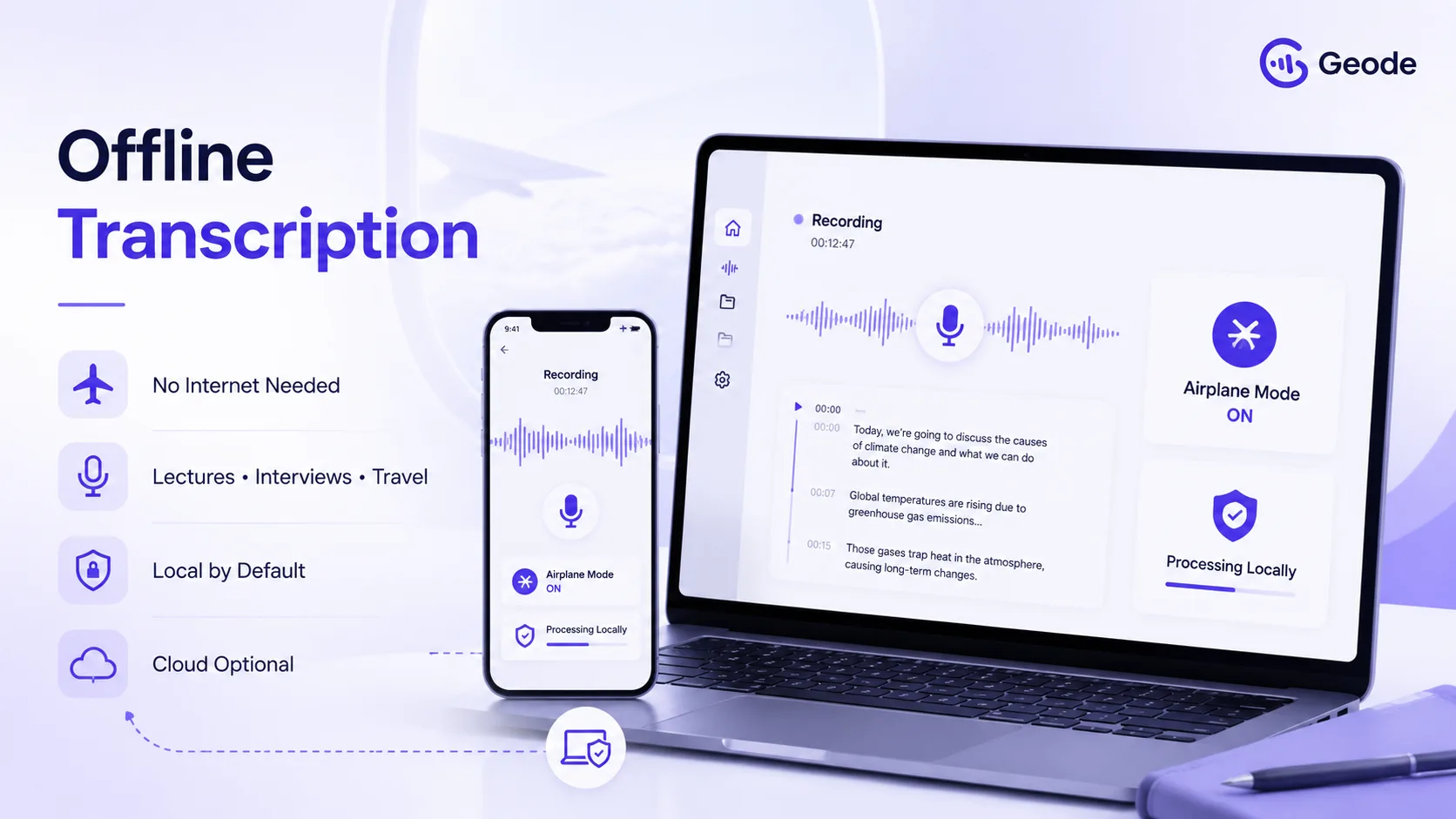
Offline transcription lets you record audio and turn it into text without relying on a live internet connection. It is
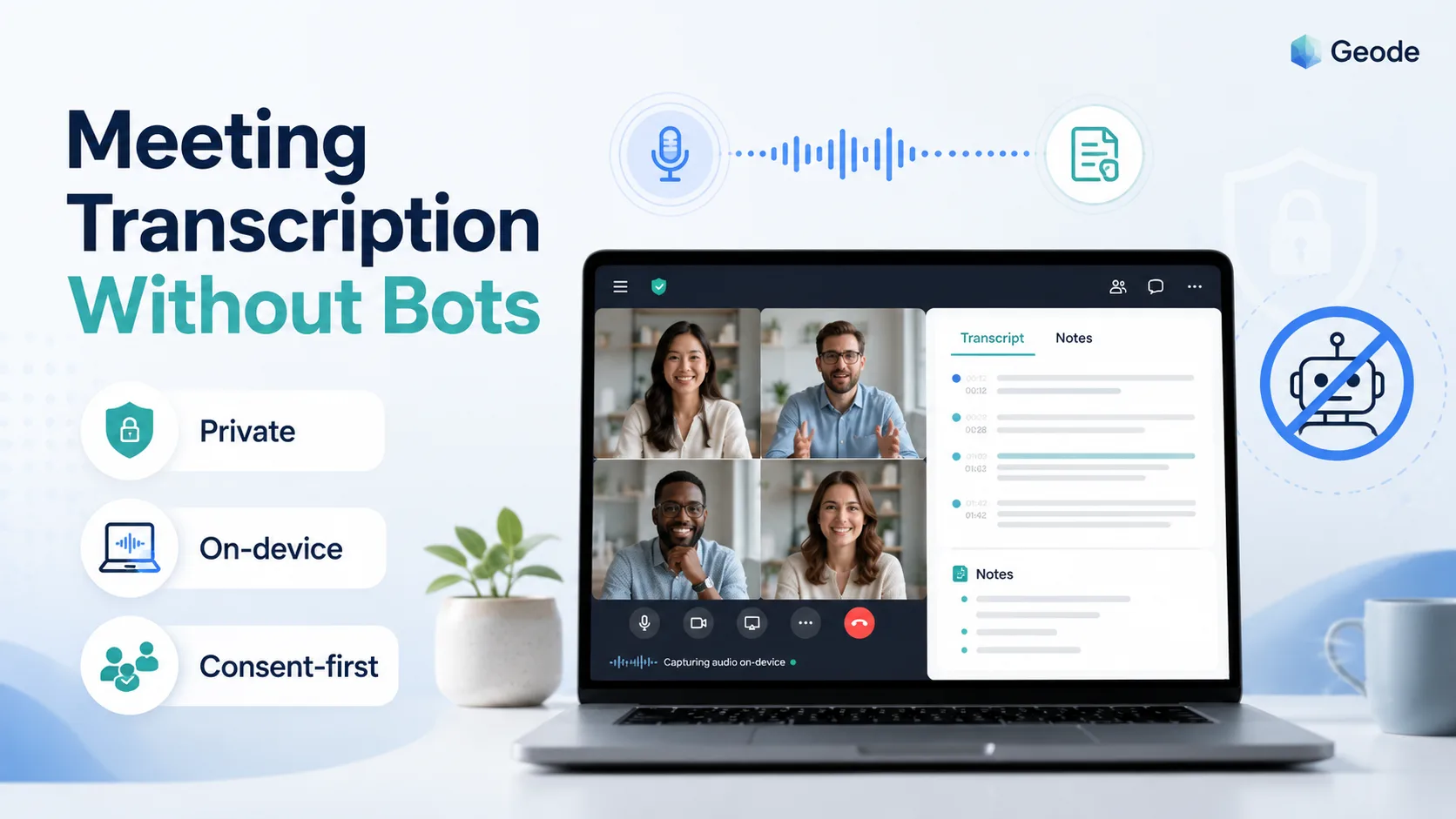
Meeting transcription without bots helps teams capture notes privately without adding a meeting assistant to every call.
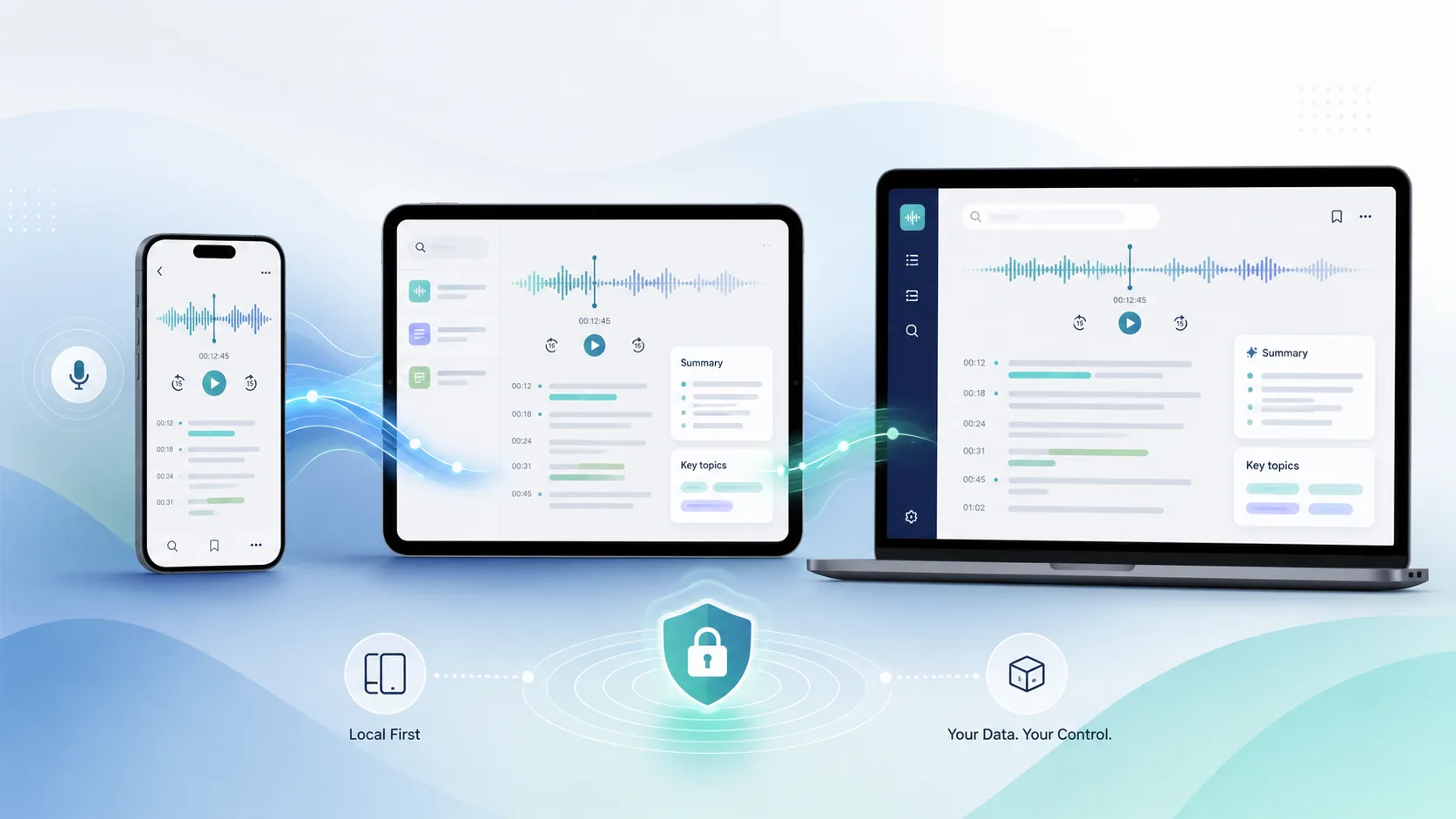
Looking for a one-time purchase transcription app across iPhone, iPad, and Mac? See how Geode keeps local transcription, summaries, and review in one workflow.