
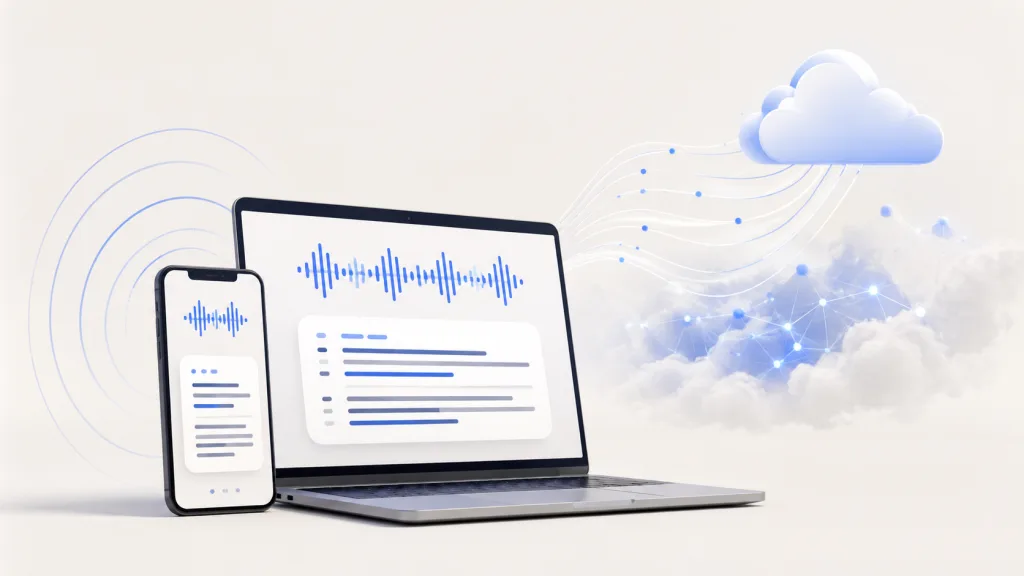
Local transcription software processes audio on your device. Cloud transcription software sends audio to remote servers for processing. The better choice depends less on the label and more on your actual workflow: where you record, how often you transcribe, how sensitive the audio is, and what you need to do after the transcript is created.
The real pain is rarely “can this tool make text?” It is losing a recording when connectivity is poor, waiting for an upload, paying for another usage tier, or wondering which features send sensitive audio away. At the same time, cloud tools can be convenient when you need collaboration or compute-heavy features across devices.
The Everyday Problems Behind the Choice
- A two-hour interview needs to be reviewed on a train or in a field location with unreliable internet.
- A researcher cannot ask participants to wait while a recording uploads.
- A frequent transcriber hits minute limits or has to track another recurring subscription.
- A team needs a transcript shared quickly with people in different locations.
- A user wants a simple app—not a self-hosted setup, API key, or manual file-splitting workflow.
These are real workflow concerns, not abstract privacy preferences.
How Local and Cloud Transcription Differ
| Consideration | Local transcription software | Cloud transcription software |
| Processing | Runs on supported device hardware | Runs on remote servers after upload |
| Internet | Can work without continuous access once set up | Usually needs an upload and connection |
| Privacy/control | More control within a local workflow | Depends on provider settings and policies |
| Performance | Depends on device and model | Uses provider server resources |
| Accuracy | Depends on audio, model, and review | Depends on audio, model, and review |
| Collaboration | May be more device-centred | Often easier to share and manage centrally |
| Cost structure | May avoid per-minute processing charges | Often subscription or usage-based |
Privacy: Control Is Not a Compliance Claim
With local transcription software, the speech-recognition step happens on supported hardware instead of a remote server. That can give users more control over recordings and reduce dependency on cloud processing. It does not automatically make every workflow compliant with a legal, employer, research, or consent requirement. Check the app’s handling of recordings, exports, backups, and optional cloud features.
Accuracy: Local Is Not Automatically Less Accurate
Accuracy is not decided only by where processing happens. Clear audio, language, accents, crosstalk, speaker overlap, the model, and human review all matter. A useful transcript tool lets you correct errors and confirm speaker labels instead of treating an initial result as final.
Performance: What “Fast” Means in Real Work
Cloud processing can be convenient because server resources are available after upload. Local processing avoids the upload step and can keep working without continuous internet, but speed depends on the device’s CPU, GPU, or AI accelerator. For a one-off recording, either approach may feel fast. For repeated long recordings, eliminating upload waits and usage tracking can matter more.
When Cloud AI Is the Better Fit
- You need central sharing, admin controls, or collaboration across an organization.
- Your device cannot run the required model well.
- Your workflow depends on cloud-only integrations or services.
- You are comfortable with the provider’s data handling and recurring cost model.
When Local Transcription Software Is the Better Fit
- You often work away from reliable connectivity.
- You need to transcribe interviews, lectures, or long recordings repeatedly.
- You want a local-first workflow and more direct control over audio.
- You prefer to keep transcription separate from broader meeting-platform features.
Quick Choice Guide
| Your situation | Better starting point | Why |
| Field interview or travel | Local-first | Avoid depending on an upload or continuous connection. |
| Recurring long recordings | Local-first | Keep review and transcription close to your device. |
| Distributed team sharing notes | Cloud | Central sharing and collaborative workflows may be more convenient. |
| Older or lower-powered hardware | Cloud | Remote servers can handle more of the processing load. |
How Geode Approaches the Choice
Geode is built around a local-first transcription workflow. On supported devices, transcription can run locally without continuous internet access after the required models are available. For example, you can keep working even when the connection is unreliable. Cloud AI is available when users choose it for specific tasks, but it is not the default path for every recording. The point is not to argue that cloud AI is wrong. The point is to give users a practical choice based on the recording, the setting, and the workflow in front of them.
Geode helps users create and review searchable transcripts on supported platforms. Speaker separation is available on supported desktop platforms. On-device Smart Summaries are available on Mac; optional cloud summaries are available when selected on supported platforms. Review important transcripts and speaker labels before relying on them.
Need offline recording and repeated long-form transcription? Try Geode’s local-first workflow on supported devices, and use cloud AI only when it adds value to the task.
Conclusion
Choose cloud AI when collaboration and server-based services are central to your work. Choose local transcription software when reliable offline access, recurring long recordings, and a local-first workflow matter more. The best choice is the one that reduces friction in your actual recording and review process—not the one with the most dramatic label.
Is local transcription software more private?
It can provide more local control because transcription runs on the device. Review each product’s data practices and optional cloud features rather than assuming any label guarantees privacy or compliance.
Is cloud AI more accurate than local AI?
Not necessarily. Recording quality, language, model choice, and review process are often more important than processing location.
Can local transcription software work offline?
For Geode, local transcription can work without continuous internet after required models are available. Internet may still be needed for download, updates, subscription verification, or optional cloud features.



