
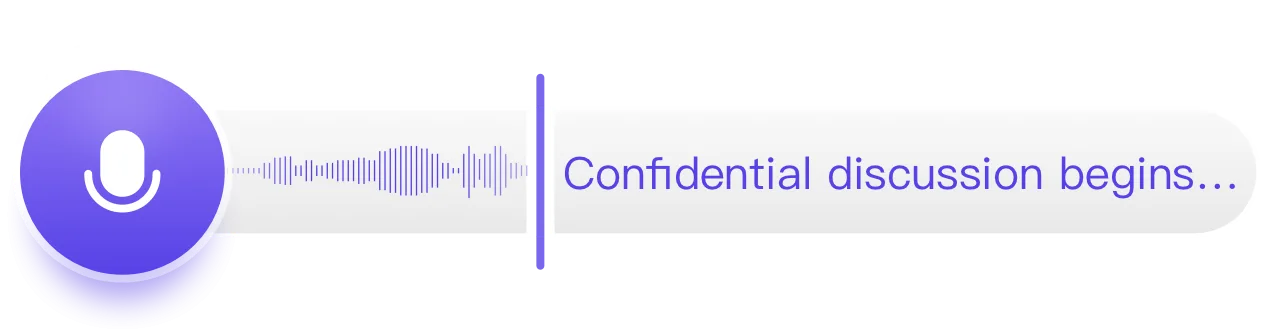
Transcribe interviews, search conversations instantly, and jump back to the exact audio moment. Geode helps journalists, researchers, and professionals turn long recordings into searchable notes.
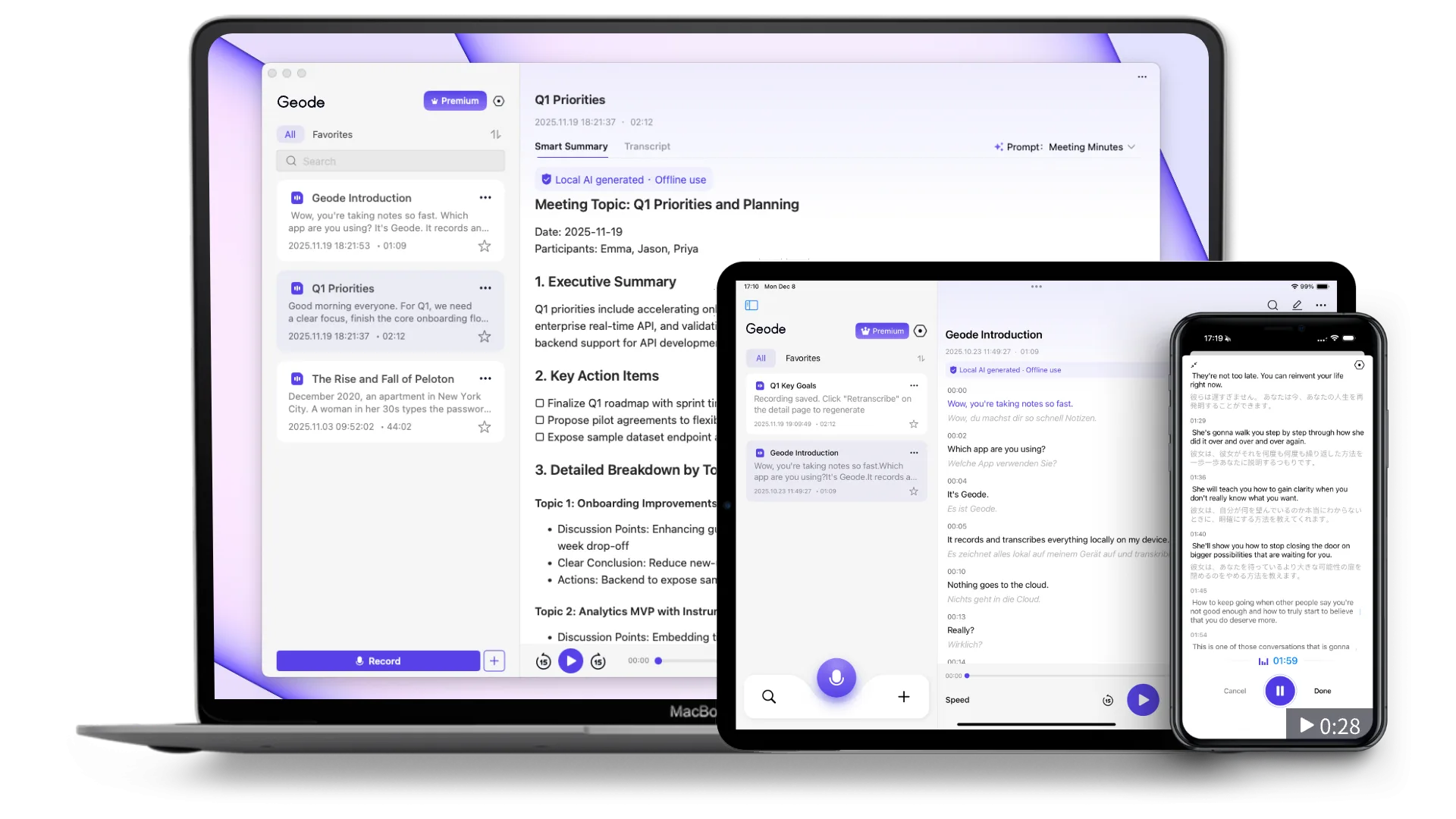
 No credit card. 7-day free trial. Then continues on Free (5 hrs/month local transcription), or upgrade from $4.17/mo.
Journalists
Researchers
Podcasters
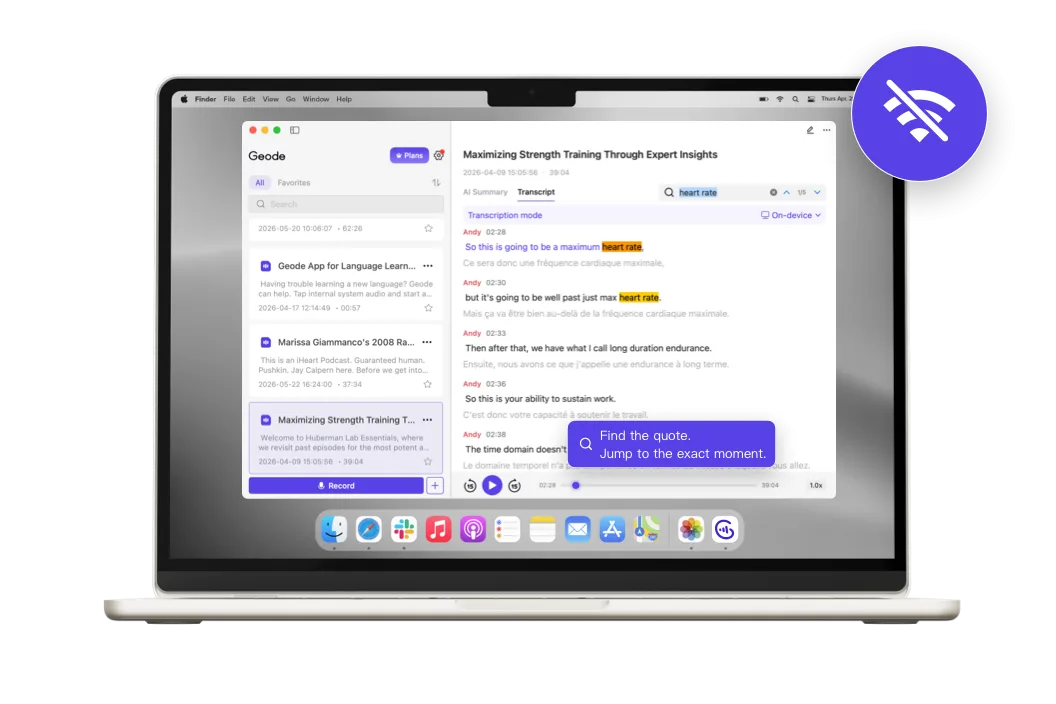
After recording, Geode helps you:* Find the quote and replay the exact moment.* Clean up transcripts and turn them into usable material.* More devices. One account works across iPhone, iPad, Mac, Android, and Windows — no separate device licenses.
No per-minute billing. Predictable pricing, even for long interview recordings.

Geode isn't local-only - and it isn't cloud-only. Local processing is built for everyday interview work and sensitive material by default.For unusually difficult, non-sensitive recordings, you can choose cloud processing for extra help.
Anonymous sources, investigative material, unpublished content, or any recording you want to keep under your control. Local transcription and on-device Smart Summary on Mac can run without sending your audio or transcript to the cloud.
A noisy café recording, compressed meeting audio, or a non-sensitive file with difficult speakers. Choose cloud processing when the audio needs extra help. Only what’s needed for that task is uploaded, then permanently deleted immediately after processing.
For Mac-first users
For Otter users
For Zoom users
Can't find the answers you're looking for? Click the button below to find the answers you need.
You can test it yourself: turn on Airplane Mode, then transcribe a recording locally. On Mac, you can also generate an on-device Smart Summary offline. If the recording is processed locally, your audio and transcript never need to leave your device. If you choose cloud transcription or cloud summaries, Geode will clearly indicate that cloud processing is being used. Only the audio and transcript needed for that task are uploaded, then permanently deleted immediately after processing.
Yes. You can import existing recordings from the first screen. Bring in audio or video from Voice Memos, field recorders, Zoom recordings, Riverside recordings, or other interview tools, then transcribe, translate, summarize, and review them in Geode.
Geode is built for individual interview capture, transcription, summary, and review. When you need to work with an editor, export what they need: the transcript, the AI summary, or the original audio file. You can export transcripts with speaker labels and timeline options, export summaries as document files, and export the audio separately. Then share those files through your normal workflow — email, cloud drive, newsroom CMS, or editing tools.
Geode does not replace Zoom as a video meeting tool, and it does not replace Riverside's high-quality remote video and multi-track recording workflow. But if your goal is to capture interview audio for transcription, quote review, and summaries, Geode can replace or supplement the built-in recording step in some workflows. You can record supported app audio where available, or import recordings from Zoom, Riverside, or other remote interview tools and process them in Geode.
Geode's on-device transcription is designed for real interview work, not only studio-clean audio. Like any transcription system, very noisy rooms, heavy crosstalk, compressed audio, or unusual names can still need review. That's why Geode pairs the transcript with timestamps and replay, so you can quickly verify the exact quote. For non-sensitive recordings that need extra help, cloud transcription is optional.
Mobile devices are complete tools on their own — recording, importing, and on-device transcription. Desktop adds higher-accuracy transcription, speaker separation, on-device Smart Summary for Mac users, local Wi-Fi transfer from mobile devices, and a deeper editing workspace. For multi-speaker interviews, long recordings, and structured output, continuing on desktop is where the workflow pays off.
The Discord is the fastest way to get a real answer.
Adding {{itemName}} to cart
Added {{itemName}} to cart