
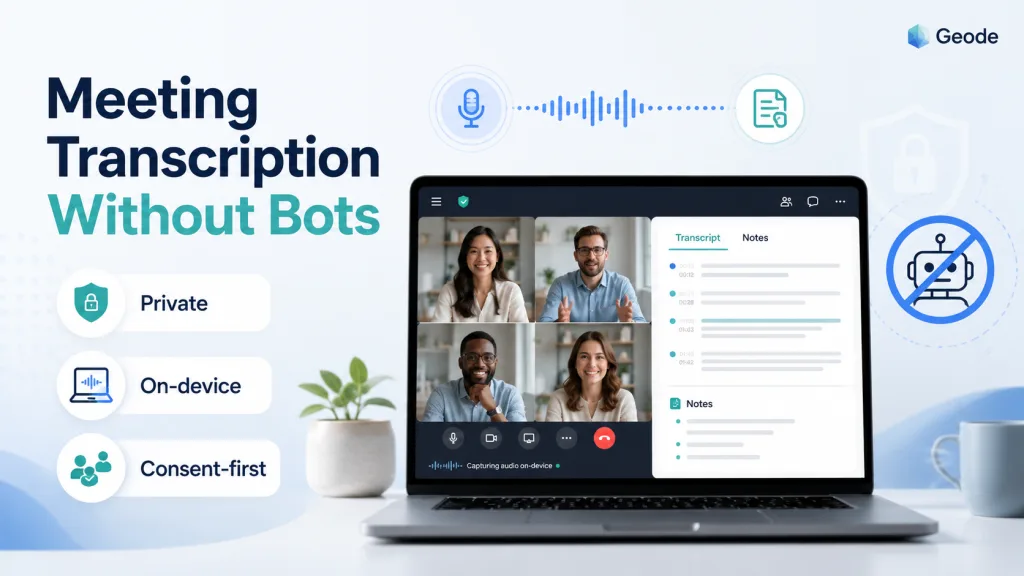
Meeting transcription does not always require a bot in the call. A bot-free workflow records meeting audio from your own device, then turns the recording into a searchable transcript and notes — without adding another participant to Zoom, Google Meet, or Microsoft Teams.What Is Meeting Transcription Without Bots?
This workflow captures audio from your own device instead of joining the meeting as a virtual attendee. In a bot-based workflow, a meeting assistant may need a calendar invite, a visible participant name, and permission to enter the call. In a bot-free workflow, the person using the app remains responsible for recording, consent, and note capture.
This difference sounds small, but it changes the experience for everyone in the room. A bot can create confusion when attendees do not recognize it, when external guests join, or when a client asks who has access to the recording. Bot-free transcription keeps the meeting list cleaner and reduces the number of systems that touch the conversation.
For Geode, the product idea is simple: do not force a meeting bot into the call. The app can record system audio from the device, process the conversation locally by default, and let the user decide when cloud features are appropriate.
With Geode, recording and on-device transcription can run locally. On Mac, local summaries can also run on-device. Optional cloud transcription and cloud summaries are available when you choose them.
Why No Meeting Bot Matters for Consent and Control
Recording consent rules vary by location, industry, and meeting type. A bot-free transcription app does not remove your responsibility to get consent, but it can help you follow the recording rules that apply to your situation by making the recording action clear: a person in the meeting is recording audio on their own device.
With a meeting bot, consent can become messy. The bot may enter before someone explains why it is there. It may be invited by one attendee while others are unaware. It may also create a record in a separate service, with its own retention rules and sharing settings. That is the compliance anxiety many teams feel when a tool automatically joins calls.
A no meeting bot workflow is easier to explain. Before recording, the host can say that the conversation will be recorded for notes, that participants can object, and that the transcript will be handled according to the team policy. That kind of plain-language process is often more useful than vague claims about being certified for every regulation.
Geode messaging should stay careful here: the app can help you comply with recording consent requirements in your location, but it should not promise universal GDPR or HIPAA certification unless that has been separately reviewed and approved.
How Geode Captures Notes Without a Meeting Bot
Geode supports a bot-free model by recording audio directly on the device rather than placing a virtual assistant inside the meeting. That means there is no extra attendee to admit, no calendar bot to manage, and no automatic message that may surprise clients.
This is especially useful for client conversations, research calls, interviews, one-on-ones, and sensitive project discussions where the attendee list matters. A clean attendee list can help the meeting feel more human while still giving the team useful notes afterward.
Best Use Cases for Bot-Free Transcription
Bot-free transcription is useful whenever the call itself needs to feel lightweight. If you transcribe Zoom meetings without bot access, external guests do not need to approve an unfamiliar assistant. If you need Teams meeting transcription without a bot, you can avoid extra participant notifications and reduce meeting friction.
Interviewers also benefit because a bot can change the tone of a conversation. Candidates, researchers, and customers may become more guarded when a named AI assistant joins the room. A recorder controlled by the interviewer can be easier to explain: the conversation is being recorded for accurate notes, with consent, and the recording will be handled by the person or company running the interview.
Internal meetings can benefit too. Leaders can capture action items without giving every meeting a sense of surveillance. A private transcription app should make the data path understandable, not just make the transcript searchable.
Bot-Free Notes vs Bot-Based Meeting Assistants
Bot-based notes are convenient when a team wants a tool to join automatically and capture every scheduled call. The tradeoff is that the bot becomes another participant, another permission layer, and another possible place where audio or transcript data is stored.
A bot-free workflow is better when privacy, consent, and control are more important than automation. You decide when to record. You decide which meeting audio is captured. You also reduce the number of accounts, calendar connections, and meeting invites required for basic transcription.
Geode can also connect this workflow to offline transcription for situations where the user wants notes even when the network is unreliable. For readers comparing workflows, another helpful internal link is a practical guide on how to transcribe audio without internet.
How to Choose a No Meeting Bot Transcription Tool
Start with the data path. Ask whether the app records locally, whether audio is uploaded by default, whether summaries require the cloud, and whether users can delete recordings and transcripts. A trustworthy vendor should explain these points clearly.
Next, check the meeting experience. Does the tool require a bot invite? Does it need calendar access? Can you record system audio from your device? Can you pause recording when the conversation becomes sensitive? These details matter more than a long list of AI features.
Finally, check how the tool talks about compliance. Be careful with absolute promises. A better claim is practical and honest: Geode can help you follow applicable recording consent rules by giving you direct control over recording and by avoiding an unnecessary meeting bot.
Where Geode fits
A bot-free workflow gives people a simpler way to capture accurate meeting notes while keeping consent and data control easier to understand. For many users, the best meeting notes tool is not the loudest AI assistant in the room. It is the one that lets you record intentionally, process locally by default, and share only what you choose.
Geode is a strong fit for people who want meeting transcription without adding a bot—especially for in-person meetings, client conversations, research calls, and online meetings where privacy and control matter.
Last reviewed: August 2026
Can I use meeting transcription without bots?
Yes. Meeting transcription without bots records meeting audio from your own device instead of joining the call as a participant. You still need to follow the recording consent rules that apply to your meeting.
Is a no meeting bot workflow better for privacy?
A no meeting bot workflow can be better for privacy because it reduces extra meeting participants and extra services in the data path. You should still review how the app stores, processes, and shares transcripts.
Does bot-free transcription help with compliance?
Bot-free transcription can help you follow local recording consent practices by making recording a direct user action. It does not automatically make a meeting compliant with every law or industry rule.
What is the best tool for AI meeting notes without a bot?
The best tool depends on your meeting type. For in-person meetings and online calls where you do not want a bot to join, look for an app that records from your own device, explains its data handling clearly, and gives you control over cloud features. Geode is built for this kind of bot-free workflow.



