Transcription software is often compared by accuracy, languages, and AI features.
But the device you use matters just as much.
A phone is usually better for capturing a conversation when it happens. A desktop has more processing power and screen space for long recordings, speaker separation, editing, and review. And if you regularly move between the two, choosing separate apps can create more work than it saves.
The right cross-platform transcription software should fit not only the device in front of you, but the way recordings move through your day.
Here is what to consider.
Start With Where You Record
The first question is simple:
Where does most of your audio come from?
If you record interviews, lectures, field notes, or conversations away from your desk, a mobile transcription app makes sense. The phone is already with you, and recording can start when the conversation happens.
If most of your work involves long files, online meetings, podcasts, or detailed transcript review, desktop software is usually the better fit.
Many people need both.
A journalist might record an interview on a phone and verify quotes later on a computer. A researcher might capture fieldwork on mobile, then separate speakers and review a long transcript at a desk. A consultant might record both in-person conversations and desktop meetings during the same week.
In those cases, the question is no longer mobile or desktop.
It is how well the two work together.
Mobile Is Best for Capture
Phones have an obvious advantage: they go where you go.
Good mobile transcription software should make it easy to record conversations, import existing files, and turn speech into text without requiring a desktop first.
Offline support can also matter. Interviews, lectures, and field recordings do not always happen with a reliable internet connection.
Geode, for example, supports on-device transcription in 90+ languages on iPhone, iPad, and Android. Recordings can be captured and transcribed locally, with cloud transcription and summaries available when you choose them.
But mobile convenience comes with a tradeoff.
A smaller screen and more limited processing resources make phones less comfortable for hours of transcript review, detailed editing, and work involving several speakers.
That is where desktop software becomes more useful.
Desktop Is Better for Deeper Review
The advantage of desktop speech to text is not simply that the computer can produce a transcript.
It is what you can do after the transcript exists.
A larger screen makes long conversations easier to search and edit. More processing power can support larger speech models and more demanding local AI tasks. Desktop software can also provide tools such as speaker separation and timestamp-based audio review.
With Geode, both Mac and Windows support local transcription and speaker separation. The desktop apps are designed for deeper transcript review, while Apple Silicon Macs can also generate Smart Summaries locally on-device. Windows uses optional cloud AI for summaries.
So if you are comparing transcription software for Windows and Mac, do not look only for a checkbox saying that both operating systems are supported.
Check whether the workflow you actually need is available on both.
Cross-Platform Does Not Mean Every Device Must Be Identical
This is an important distinction.
Good cross-platform software does not necessarily reproduce every desktop feature on a phone.
Different devices are good at different things.
A better model is:
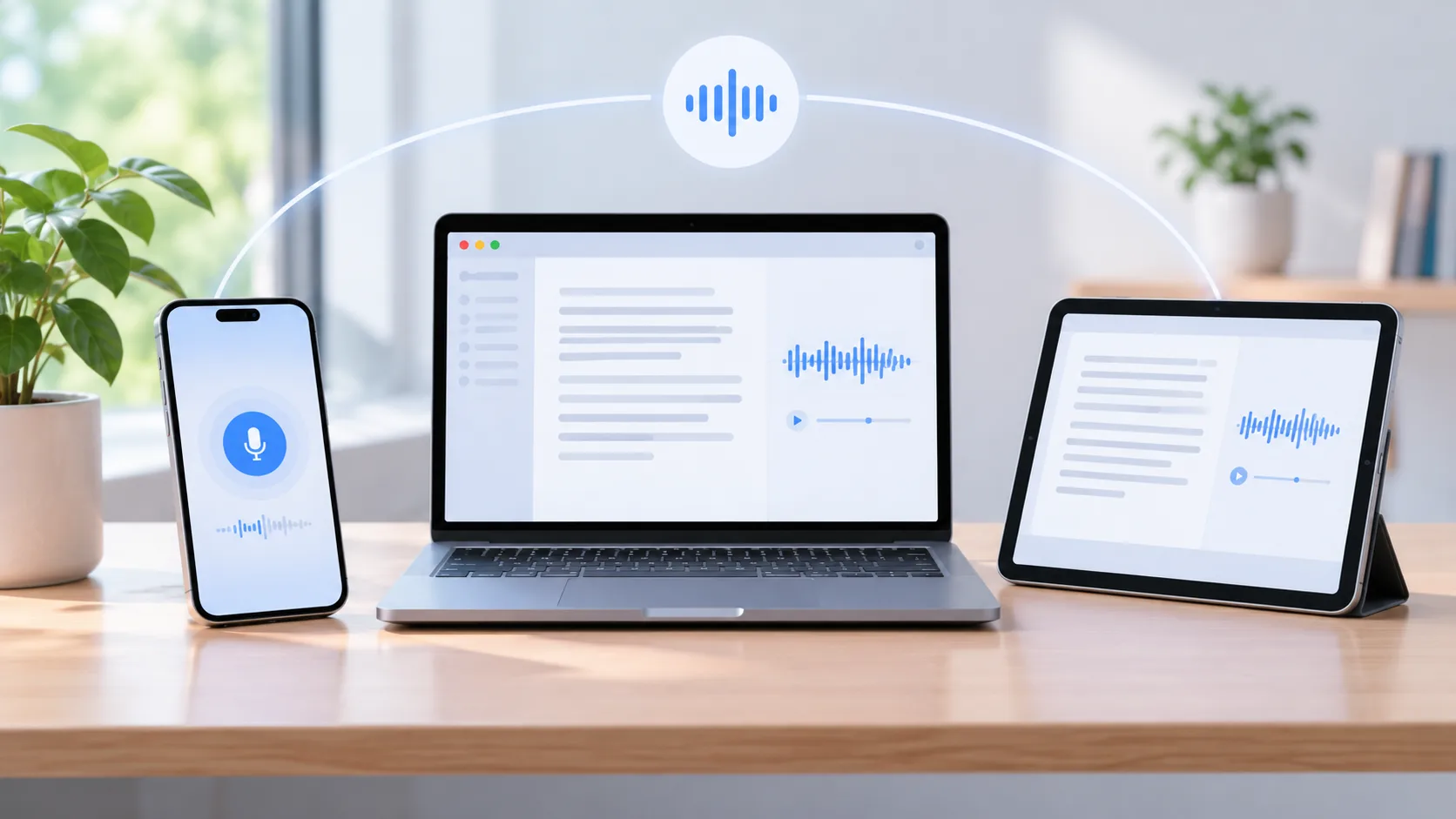
Mobile for capture -> Desktop for deeper review
Geode follows this approach. The mobile apps are designed around recording, local transcription, translation, and everyday review. Mac and Windows add a deeper workspace with higher-accuracy transcription, speaker separation, editing, search, and other tools for working with longer recordings.
The devices do not need identical roles.
They need to form one coherent workflow.
Check How Recordings Move Between Devices
Multi-device compatibility means more than having apps with the same logo.
Ask what happens when you record something on one device and want to continue on another.
Do you need to upload the recording to a cloud account first? Export it manually? Pay for another version of the software? Or can the recording move directly between your devices?
Geode can transfer recordings from mobile to desktop over local Wi-Fi without requiring a cloud upload. A recording captured on iPhone or Android can then continue into deeper review on Mac or Windows.
For privacy-sensitive recordings, this also means that moving to a larger device does not have to mean sending the recording through a cloud storage service.
Check the License, Not Just the Platform List
There is another difference that is easy to miss.
Software may support several platforms while still requiring separate purchases or subscriptions for different devices.
If you regularly switch between a phone, personal laptop, and work computer, that distinction matters.
Geode uses one paid account across iPhone, iPad, Mac, Android, and Windows. There are no separate device licenses for using the paid plan across supported platforms.
So when comparing cross-platform transcription software, check two separate things:
Where can I install it?
Does my plan actually cover those devices?
They are not always the same question.
Local or Cloud Processing Matters Across Devices Too
Cross-platform software also needs a clear data model.
Some products achieve multi-device access by keeping recordings and transcripts in a central cloud workspace. That can be useful for synchronization and collaboration.
Another approach is to let each device process recordings locally.
Geode uses local transcription by default across its supported platforms, with optional cloud processing when the user chooses it. Core local transcription can also work offline once the required models are available.
Neither architecture is automatically right for everyone.
If team sharing is the priority, a cloud workspace may be the simplest choice. If recordings are sensitive, connectivity is unreliable, or you prefer to keep processing on your own hardware, local transcription becomes more important.
The key is to know which model you are choosing.
A Practical Device Checklist
Before choosing transcription software, check these five things:
- Capture: Can you easily record where conversations actually happen?
- Processing: Can transcription run locally, or does audio have to be uploaded?
- Desktop workflow: Can you search, edit, separate speakers, and return to exact moments in longer recordings?
- Transfer: Can work move between mobile and desktop without unnecessary steps?
- Licensing: Does one plan cover the devices you use?
If all five fit your workflow, the platform list itself becomes much less important.
Choosing the Right Setup
If you only transcribe occasional files at a desk, a dedicated Mac or Windows app may be all you need.
If most recordings happen away from your computer, start with a strong mobile transcription app.
If you capture on one device and regularly review on another, look for software designed around that handoff rather than treating each platform as a separate product.
Geode is built around that last model.
It works across iPhone, iPad, Mac, Android, and Windows. Each app can transcribe locally on its own, while mobile capture can continue into deeper desktop review. One paid account covers the supported platforms, and recordings can move from mobile to desktop over local Wi-Fi without a required cloud upload.
The goal of cross-platform transcription is not to make every device do exactly the same thing.
It is to let each device do the part of the job it does best – without breaking the workflow in between.
What is cross-platform transcription software?
Cross-platform transcription software works across more than one operating system or device type, such as Windows, Mac, iPhone, and Android. The strongest products also provide a practical way to continue work between those devices rather than simply offering separate apps.
Should I transcribe audio on my phone or computer?
Use a phone when portability and immediate capture matter most. A desktop is generally better for long recordings, detailed editing, speaker separation, and deeper transcript review. If you regularly need both, look for a workflow that connects mobile capture with desktop review.
Is there transcription software for Windows and Mac?
Yes. Geode, for example, supports both Windows and Mac with local transcription and speaker separation. Its Mac version also supports on-device Smart Summaries, while Windows can use optional cloud summaries.
Can I transcribe on mobile and continue on desktop?
Yes, depending on the software. Geode can transfer recordings from iPhone or Android to Mac or Windows over local Wi-Fi, allowing mobile capture to continue into a deeper desktop workflow without requiring a cloud upload.
Does cross-platform transcription require cloud storage?
Not necessarily. Cloud storage is one way to synchronize recordings between devices, but it is not the only approach. Geode can transfer recordings locally between mobile and desktop and supports local transcription on its supported platforms.