
On-device AI transcription processes recordings directly on your own device instead of sending audio to external cloud servers.
For a lot of people, that difference matters more than they expected.
Maybe you are recording client calls, research interviews, therapy sessions, internal meetings, or personal voice notes you would rather not upload somewhere. In all of those cases, the question becomes less about which app has the most AI features and more about where your data is actually going.
That is why more users are searching for terms like local AI transcription, offline transcription software, private transcription apps, on-device meeting transcription, and secure AI note-taking.
Geode was built around that exact idea: local by default, cloud by choice. This guide breaks down how on-device AI transcription works, why more organizations are moving toward local workflows, and when cloud AI still makes sense.
Quick Resource Map
- Offline transcription explained: Why Offline Transcription Is More Than a Feature
- Cloud vs local architecture: Local AI vs Encrypted Cloud for Enterprise Meeting Transcription
- Otter comparison: Otter.ai vs Geode
- Privacy decision framework: The Confidentiality Decision Checklist
- Real-world app comparison: Which AI Transcription App Actually Keeps Data On-Device?
What Is On-Device AI Transcription?
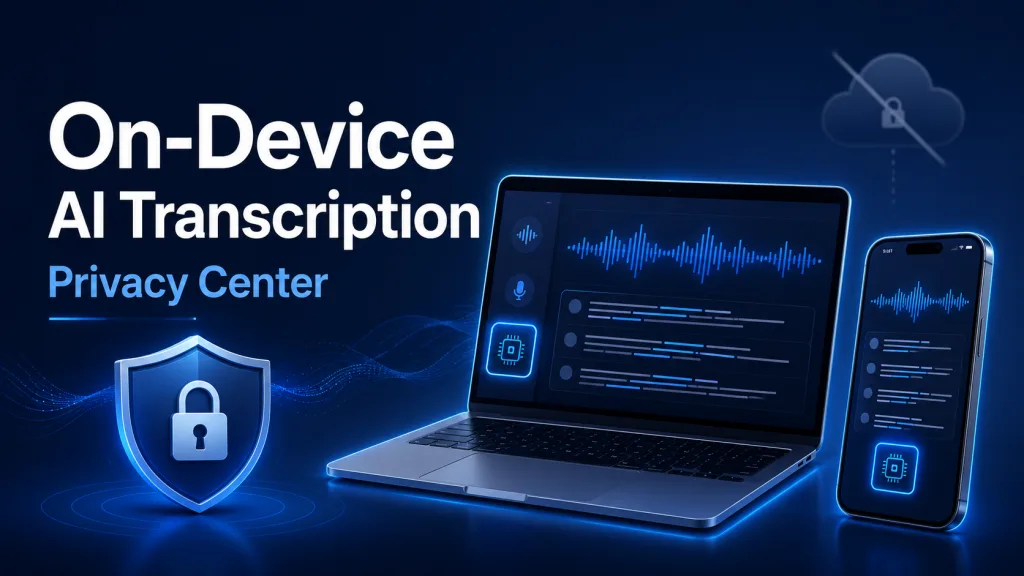
Most transcription apps today work the same way: you record audio, the file gets uploaded, a cloud server processes it, and the transcript gets sent back.
On-device AI transcription flips that workflow around. Instead of uploading your recordings, the AI model runs locally on your Mac or iPhone. Your audio stays on your own hardware while the transcript is generated.
That is why people often also call it local AI transcription, offline transcription, no-cloud transcription, or on-device speech-to-text. The biggest benefit is not just privacy. It is control.
If you want a deeper look at how offline workflows work in practice, our article on offline transcription software explains the architecture behind local AI processing.
Why Privacy Conversations Around AI Have Changed
A few years ago, most people did not spend much time thinking about where meeting recordings went. Now they do.
AI note-taking tools have become powerful, but they have also normalized uploading large amounts of sensitive conversation data to cloud infrastructure. That can include internal meetings, legal discussions, healthcare conversations, financial reviews, strategy calls, and personal interviews.
For some workflows, that is a reasonable tradeoff. For others, it becomes uncomfortable quickly.
That is why many teams evaluating a private transcription app are looking beyond feature lists and asking whether audio stays local, whether transcription can work offline, whether cloud upload is optional, and who can access stored transcripts.
Those questions are architectural questions, not UI questions. For a broader decision framework, see The Confidentiality Decision Checklist.
Cloud AI vs On-Device AI
Cloud-Based Transcription
Cloud AI workflows are useful for collaboration, shared workspaces, centralized archives, cross-device syncing, and organization-wide search. That convenience is one reason tools like Otter became popular.
But cloud workflows also mean your recordings move through external infrastructure. For some users, that is acceptable. For others, especially in confidentiality-sensitive environments, it is a dealbreaker.
If you are comparing different approaches, our breakdown of cloud AI vs on-device AI explains how those architectures differ over time.
On-Device AI Transcription
On-device AI workflows prioritize keeping processing local. Recordings stay on-device, offline transcription becomes possible, external exposure is reduced, and AI processing happens closer to the user.
This is especially useful for people who regularly work with sensitive information but still want AI-powered transcription and summaries.
For a direct product-level comparison, read Which AI Transcription App Actually Keeps Data On-Device?.
Why More Organizations Are Moving Toward Local AI
The shift toward local AI is not really about paranoia. It is about reducing unnecessary complexity.
When every meeting gets uploaded somewhere automatically, organizations eventually have to manage retention policies, access reviews, compliance workflows, cloud permissions, vendor governance, and long-term transcript storage. That overhead grows fast.
Local AI transcription changes the equation because processing happens directly on the device itself. That is one reason healthcare, legal, finance, consulting, and research teams are increasingly evaluating secure meeting transcription workflows built around local-first AI.
- Teams exploring GDPR-conscious transcription often care about data sovereignty.
- Healthcare professionals evaluating HIPAA-conscioustranscription usually want tighter control over patient conversations.
- Therapists looking for a privacy-first workflow can review HIPAA-conscious transcription for therapists.
- Legal teams often prefer workflows where privileged discussions remain local through secure legal transcription.
Different industries, same underlying concern: minimizing unnecessary exposure.
What Offline Transcription Actually Helps With
A lot of people assume offline transcription is mainly about privacy. That is only half the story. Offline workflows are also more flexible.
They work well when Wi-Fi is unreliable, when you are traveling, when you are on a flight, when you are in secure facilities, or when you simply do not want uploads happening automatically.
Modern Apple Silicon devices are powerful enough that local AI transcription now feels practical, not like a stripped-down compromise. For high-volume users, this also connects naturally to unlimited local transcription and unlimited meeting transcription workflows.
Why Architecture Matters More Than Settings
One thing many users discover quickly: turning off AI features is not the same thing as changing architecture. A cloud app with AI disabled is still a cloud app.
That is why more teams are moving beyond AI opt-outs, privacy toggles, and retention controls and looking directly at how the system itself works.
Our article about Zoom AI data usage settings covers this in more detail, especially for organizations trying to reduce cloud exposure without giving up AI workflows entirely.
For teams using Slack or Teams, local-first workflows can also connect with meeting summary automation and privacy-focused automation through Geode and OpenClaw.
Otter Alternatives and the Rise of Local AI
A surprising number of users searching for an Otter.ai alternative are not unhappy with transcription quality. They are uncomfortable with the workflow model.
Cloud-first AI tools optimize for synchronization, collaboration, and centralized access. Local-first AI tools optimize for privacy, offline workflows, reduced exposure, and device-level control.
Neither model is universally better. They solve different problems. That is why our comparison of Otter.ai vs Geode focuses less on features and more on architecture.
If your main concern is pricing and limits, see our guide to the best unlimited transcription app and our breakdown of cost effective transcription software.
How Geode Uses On-Device AI
Geode is designed around local-first processing on Mac. Core workflows like transcription, speaker separation, local summaries, and internal audio capture run directly on-device instead of relying entirely on cloud processing.
Cloud AI is still available if you want it, but it is optional. That is the important part. For many users, the ideal workflow is not “no cloud ever.” It is having control over when cloud AI is involved.
Geode can also support learning workflows, such as using transcripts to review audio from apps like Duolingo. See our guide on Duolingo audio transcripts on iPhone for a practical example.
Final Thoughts
On-device AI transcription is not just another checkbox feature. It is a fundamentally different approach to how meeting data is handled.
Instead of assuming every recording should automatically move through cloud infrastructure, local AI workflows keep processing closer to the user.
That approach helps reduce unnecessary exposure, cloud dependency, governance overhead, and operational complexity while still making AI-powered transcription and summaries useful.
If you are exploring private transcription apps, offline transcription software, secure AI meeting tools, or local AI transcription, you are really evaluating one bigger question: how much of your workflow should depend on the cloud?
Last reviewed: September 2026
What is on-device AI transcription?
On-device AI transcription processes recordings locally on your own device instead of uploading audio to external cloud servers.
Is local AI transcription more private than cloud transcription?
Generally, yes. Local AI transcription reduces external exposure because recordings remain on-device during processing.
Can AI transcription work without internet?
Yes. Offline transcription tools can process recordings locally without requiring a constant internet connection.
What is the best private transcription app?
Many users prefer private transcription apps that support local AI transcription and offline workflows rather than cloud-only processing.
Why are more organizations choosing local AI?
Organizations increasingly prefer local AI workflows because they reduce cloud dependency and keep sensitive conversations closer to their own control boundaries.
Does Geode support offline transcription?
Yes. Geode supports offline transcription and local AI workflows on compatible Apple devices.



