
In the era of generative AI, efficiency often comes at a hidden cost: data privacy. As meetings, interviews, and confidential discussions move from physical rooms to digital files, the demand for professional transcription tools has skyrocketed.
However, most tools on the market operate on a cloud-dependency model. They upload your audio to external servers, process it, and send the text back. While convenient for general use, this workflow introduces vulnerabilities that many industries simply cannot afford. This is why offline transcription is not merely a feature you toggle in settings—it is a fundamental architectural choice that defines how your data is handled, secured, and respected.
What Does Offline Transcription Mean?
Offline transcription is an AI speech-to-text workflow that processes audio directly on a compatible device instead of uploading the recording to a remote server for transcription.
In a local AI transcription workflow, the speech recognition model runs on your hardware. This means the recording can be converted into text without a continuous internet connection, while the audio and transcript remain under your local control.
“Offline,” “local,” and “on-device” are often used to describe this approach. The exact implementation can vary by product: an app may still connect to the internet for non-content tasks such as license validation, optional diagnostics, or software updates.
The Hidden Cost: Cloud Transcription Privacy Risks
To understand the value of local processing, we must first address the cloud transcription privacy risks inherent in traditional software. When you drag a file into a cloud-based transcription tool, your data typically traverses multiple layers:
- Upload: Audio leaves your secure local environment.
- Storage: Files may be stored on third-party servers.
- Processing: Text generation occurs in shared compute environments.
Operational access: Depending on the provider’s terms, support teams may technically have access for troubleshooting.
For a casual user, this might be acceptable. But for those seeking secure transcription for professionals, this “data egress” (data leaving the premises) breaks the chain of custody. Once the file leaves your device, you have less control over where it can exist, who can access it, and how long it may be retained.
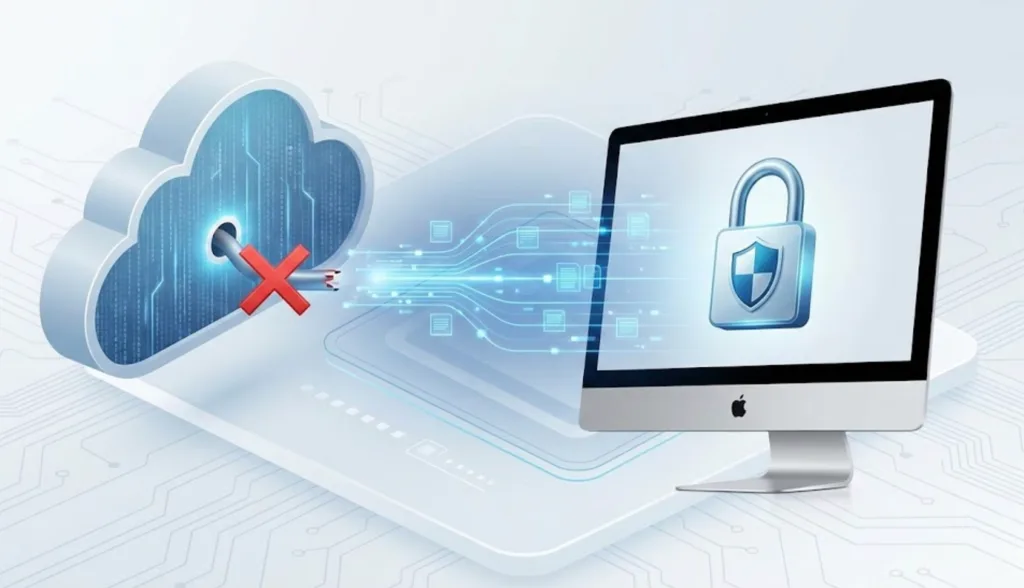
The Shift to On-Device Transcription
The alternative is an architecture built around on-device transcription. Thanks to the leap in hardware capabilities—especially Apple Silicon-class devices—many speech workloads no longer require a remote server for acceptable performance.
Local processing leverages the power of your own hardware. The AI models run directly on your Mac, keeping processing inside your system’s perimeter. This approach offers three distinct advantages:
- Zero content egress: Your audio files and transcripts don’t need to leave your machine for processing.
- Consistency: You’re not subject to server outages or internet bandwidth fluctuations during the transcription process.
- Security: The attack surface is reduced because there is no central cloud repository of user transcripts to compromise.
Cloud AI vs. Local AI Transcription
Cloud AI and local AI can both convert speech into text, but they handle audio differently. The right choice depends on your workflow, connectivity, and comfort with sending recordings to a third-party service.
| Consideration | Cloud AI Transcription | Local AI Transcription |
|---|---|---|
| Where audio is processed | Remote servers operated by a provider | On your compatible device |
| Internet dependency | Usually requires uploading audio and receiving results online | Can transcribe without a continuous internet connection |
| Audio data flow | Recordings leave the device for processing | Recordings can remain on the device during transcription |
| Performance | Can depend on upload speed, server availability, and plan limits | Depends on your device hardware and the local model |
| Best suited for | Teams that prioritize cloud collaboration and shared workflows | People who prioritize local control, offline use, or sensitive recordings |
Neither model is automatically right for every situation. Cloud tools can be convenient for collaborative workflows, while local AI transcription is often a better fit when you want to minimize content leaving your device.
Redefining Secure Transcription for Sensitive Industries
Who actually needs this level of security? The user base for privacy transcription is broader than many realize.
- Legal professionals: Attorneys handling client-privileged conversations may prefer to avoid uploading sensitive audio to generic cloud services.
- Healthcare providers: Patient notes and medical dictations often require strict data protection practices.
- R&D teams: Engineers and product managers discussing unreleased IP may want to minimize external exposure.
- Journalists: Protecting sources can mean keeping interview recordings off the internet entirely.
For these groups, local processing isn’t a luxury—it’s often a compliance-driven operating preference. Standard professional transcription tools may offer encryption, but the safest data is data that never needed to be uploaded in the first place.
Transparency: How Geode Handles Connectivity
It’s important to be precise about how modern local software interacts with the network.
Geode is architected to perform all core functions—recording, transcribing, and summarizing—on your Mac. Your meeting content and generated text are processed locally and are not sent to the cloud for transcription or summary generation.
However, Geode is a licensed application, so it may use an internet connection for limited, non-content administrative tasks:
- License validation: to verify subscription status.
- Crash reporting (optional): to help diagnose stability issues. Crash logs may include diagnostic metadata, but your audio and transcripts are not included.
- Basic behavioral analytics (optional): to help us optimize app features. This only tracks general usage events (such as when a transcription is triggered) and never accesses your audio and transcripts.
Privacy by Design
We’re entering a phase where local processing will become a benchmark for professional tools. Offline transcription provides peace of mind because it keeps sensitive content within your control—physically and digitally.
If your workflow demands confidentiality, it’s time to stop uploading and start processing locally. Geode offers the power of AI without requiring your meeting audio to pass through a cloud pipeline—supporting truly secure transcription for professionals who value privacy as much as productivity.
Last reviewed: September 2026
What is offline transcription?
Offline transcription converts speech to text directly on a device, rather than relying on a remote server to process the recording. It can work without a continuous internet connection when the required AI model is available locally.
What is the difference between cloud AI and local AI transcription?
Cloud AI transcription typically uploads audio to a provider’s servers for processing. Local AI transcription runs the speech recognition model on your device, allowing the recording to be processed locally.
Can AI transcription work without internet?
Yes. Some AI transcription apps can process recordings locally without an active internet connection. However, individual products may still need internet access for software updates, license validation, or optional diagnostics.
Why do professionals prefer local AI transcriptIs local transcription more private than cloud transcription?ion?
Local transcription can provide more control over where recordings are processed because the audio does not need to be uploaded for transcription. The privacy outcome still depends on each product’s specific settings, permissions, and data practices.
Who benefits most from offline transcription?
Offline transcription can be especially useful for journalists, legal professionals, healthcare teams, researchers, travelers, and anyone working with sensitive recordings or unreliable internet access.
Does Geode support offline transcription?
Yes. Geode records and transcribes locally. Your meeting content is not sent to the cloud for transcription by default.



