
A good Android transcription app should do more than turn voice into text. It should let you record or import audio, transcribe locally by default, and decide when cloud processing is worth using. Geode is built for people who want a private, local-first transcription workflow on Android, with deeper review tools available on desktop when needed.
What Is a Local-First Transcription App for Android?
A local-first transcription app for Android runs speech-to-text models on your device instead of sending audio to remote servers by default. This structure allows your mobile device to process audio directly on-device. By choosing a dedicated private transcription app, you can seamlessly transcribe voice recordings offline once the required models are available, while still giving you the option to use cloud features when they add value.
Why Secure Voice-to-Text on Mobile Matters
Smartphones are always close by, which makes them useful for capturing sudden ideas, field interviews, voice memos, and personal notes. But many cloud-connected transcription apps require audio to be uploaded for processing, and their policies can vary on retention, analytics, and model improvement. A local-first transcription app can reduce unnecessary cloud exposure by keeping the core transcription workflow on your device by default.
What to Look for in an Android Transcription App
To secure an effective mobile audio workspace, verify that an app provides the following essential capabilities:
- Default Local Engine: The app must transcribe basic audio inputs on-device by default to avoid constant cloud connectivity requirements.
- Robust Mobile Capture: It should effortlessly record raw audio on the move or seamlessly import standard files shared from other mobile tools.
- Clear Cloud Discretion: You must choose when to use local processing and when optional cloud features are worth using, without forced automatic background uploads.
- Desktop Handoff Readiness: Look for systems that let you collect clean recordings on mobile and hand off data easily to a desktop computer for granular review.
Key Advantages of Geode for Android
Geode for Android serves as the agile mobile capture side of a comprehensive cross-device workflow, offering distinct practical benefits:
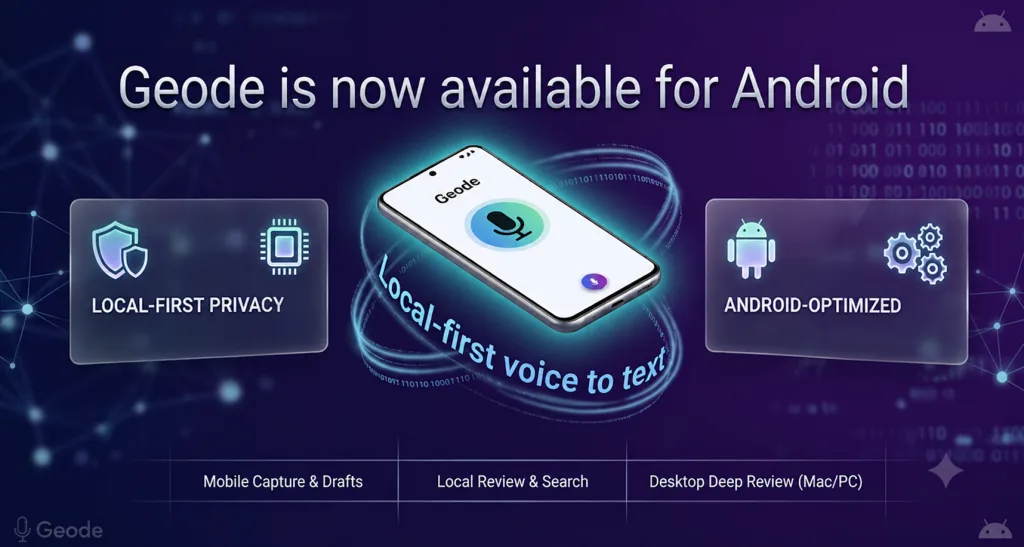
- Default Local Engine with Flexible Choice: Transcription runs locally on your Android device by default. Advanced tools like summaries are cloud-powered on mobile (identical to the iPhone version), meaning you choose when local processing is enough and when cloud options add value.
- No Per-Minute Meter for Paid Local Use: Geode does not send a meeting bot into supported online meetings. Paid local transcription is not billed by the minute, so long recordings and field notes do not become a ticking meter.
- All-Inclusive Cross-Platform Access: One Lifetime purchase unlocks Geode’s local paid features across supported devices under the same account. Cloud features remain optional and separate.
When Geode for Android Is the Right Fit
Geode for Android is most useful when your phone is the capture device, but the recording may need deeper review later. You can record or import audio on Android, create a local transcript, and continue on desktop when you need speaker separation, search, replay, or summaries.
- Recording Interviews on the Go: Perfect for field journalists or researchers who need to capture high-fidelity dialogue on site and instantly generate local draft transcripts.
- Transcribing Voice Memos Offline: Enables you to speak out sudden notes, book ideas, or daily journals while in transit or out of cellular range, and transcribe voice recordings offline instantly.
- Mobile Recording with Desktop Review: An ideal cross-device approach. Capture and run local voice-to-text drafts on Android, then hand off your project to your desktop computer for intensive multi-speaker editing and paragraph structuring.
Geode Cross-Device Optimization Matrix
| Platform Tier | Best Suited Workflows & Capabilities |
|---|---|
| Android & iPhone Mobile | Agile on-the-go recording, voice file importing, and local transcription on the go. |
| Windows Desktop | Local desktop transcription, speaker separation, comprehensive text search, timestamp audio replay, and transcript review. |
| Mac Desktop | Fullest local desktop workflow: local transcription, local speaker separation, text search, replay, and native on-device AI summaries. |
Conclusion
Finding an Android transcription app that balances mobile recording, offline transcription, and clear cloud controls can be difficult. Geode is designed for that gap: record or import audio on Android, transcribe locally by default, and continue deeper review on desktop when needed.
Can I use Geode for Android offline?
Yes. Geode can transcribe audio locally on Android once the required models are downloaded to your device. Internet may still be needed for app installation, login, plan verification, updates, model downloads, and optional cloud features.
Does Geode upload my Android recordings?
For local transcription, your audio does not need to be uploaded. If you choose optional cloud transcription or cloud summaries, the required data is encrypted and uploaded for processing, then deleted from Geode’s cloud servers after the task is complete.
Are the features on the Android app identical to the Mac version?
No. Android is best for on-the-go recording, file imports, and local transcription. Mac currently offers the fullest local workflow, including speaker separation and local AI summaries. Windows supports local transcription, speaker separation, search, timestamp replay, and desktop review.
Do I need separate licenses for Android and desktop systems?
No. One single account unlocks your plan tier across supported Android, iPhone, iPad, Mac, and Windows hardware. A single Lifetime purchase covers local paid features across supported devices under the same account. Cloud features remain optional and separate.



