A one-hour interview, lecture, meeting, or podcast can contain thousands of words. Listening to the whole recording again just to find a few important moments is rarely a good use of time.
AI can help, but the most reliable workflow is not to summarize the audio and throw away the detail.
For long recordings, start with a full transcript. Use the transcript to search and review what was said, then generate a summary to understand the main points. Keep the original audio available when exact wording, context, or attribution matters.
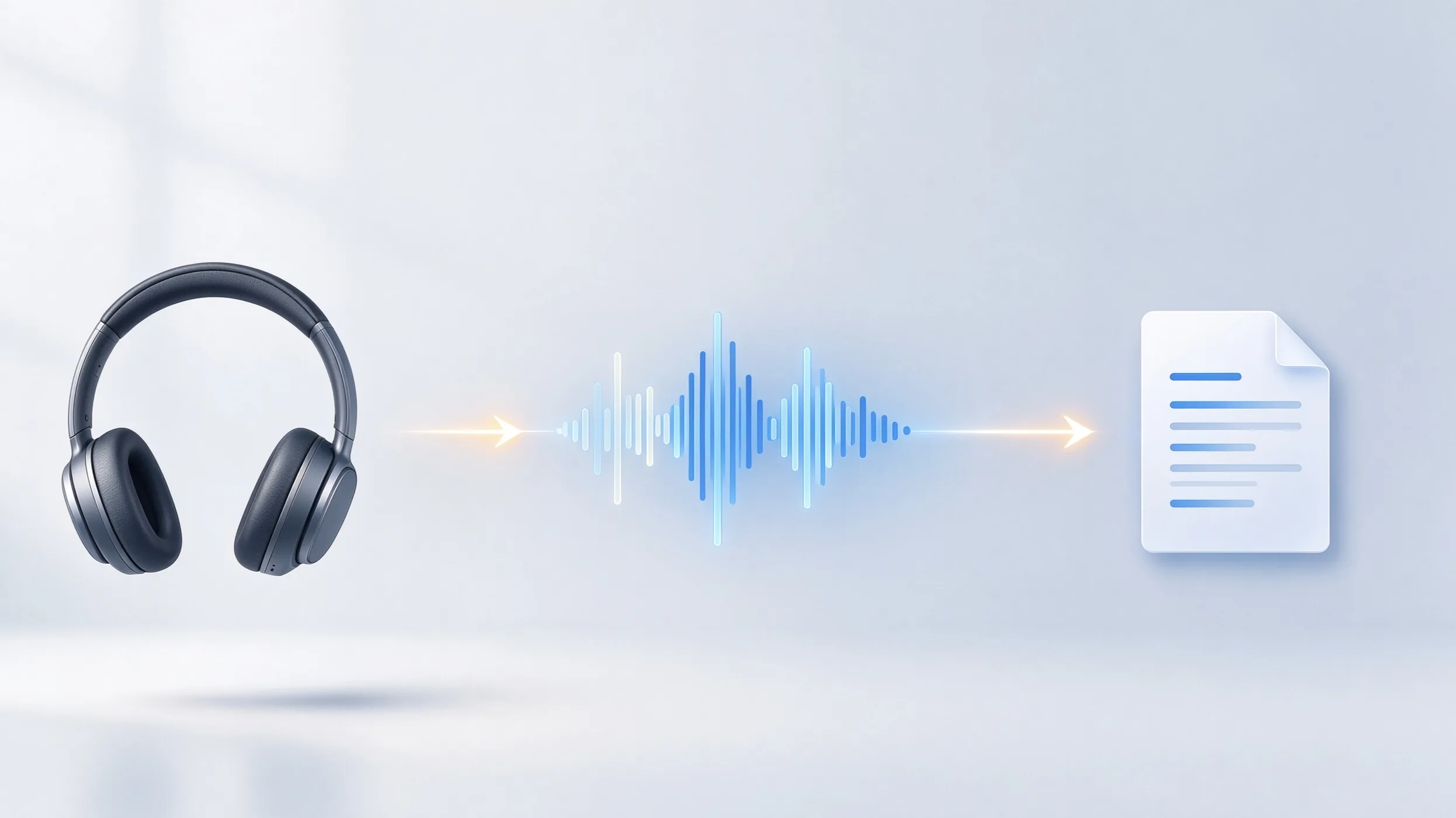
Audio → Transcript → Review → Summary → Verify when needed
Here is how to transcribe and summarize audio without losing the detail that made the recording useful in the first place.
1. Start With the Full Recording
Keep the original audio whenever possible.
Long audio transcription works best when the source recording is clear. Background noise, distant microphones, overlapping speakers, and compressed audio can all affect the transcript—and errors in the transcript can carry into the summary.
You do not usually need to split a long recording into short clips before using a modern transcription tool. Import the original file and keep it intact so you can return to the source later.
- Long interviews
- Lectures and seminars
- Research conversations
- Focus groups
- Meetings
- Podcasts
- Field recordings
- Long voice recordings
The goal is to create a searchable version of the entire conversation before reducing it to a summary.
2. Transcribe the Audio Before You Summarize It
For most long recordings, transcription should come first.
A transcript gives you something an AI audio summarizer alone cannot: a detailed record that you can search, correct, and return to.
Once the recording becomes text, you can find names, topics, questions, quotations, or technical terms without repeatedly scrubbing through an hour or two of audio.
A good long-form transcription workflow should preserve access to both the transcript and the original recording. If the recording contains multiple people, speaker separation can also make the conversation much easier to follow.
The transcript does not need to be perfect before it becomes useful. But important names, numbers, terminology, quotations, and speaker attribution should be checked before you rely on them.
3. Review the Transcript Before Creating the Summary
You do not need to proofread every word of a long transcript before generating a summary.
Focus first on errors that could change meaning.
- Names and organizations
- Numbers and dates
- Technical or specialized terms
- Speaker labels
- Important quotations
- Sections where the audio was unclear
This matters because an AI transcription and summary workflow has two stages. If the transcript gets an important detail wrong, the summary may repeat or amplify that error.
For an informal voice recording, a quick review may be enough. For journalism, research, client work, or anything that will inform a decision, spend more time checking the sections that matter.
4. Generate a Summary From the Transcript
Once the transcript is ready, use an AI audio summarizer to create a shorter view of the recording.
The best summary format depends on why you recorded the audio.
A two-hour interview might need the interviewee’s main positions and follow-up questions. A lecture might need key arguments and examples. A meeting might need decisions and action items. A podcast might need topics, notable moments, and material for show notes.
This is more useful than asking AI to produce one generic block of text for every recording.
Think of the summary as the first layer of review rather than a replacement for the transcript.
Summary: What was this recording mainly about?
Transcript: What was actually said?
For long audio, you usually need both.
5. Use the Summary to Decide Where to Look
The biggest advantage of summarizing a long recording is not that you never have to read the transcript. It is that you know where to start.
A good summary can quickly show you the major topics, arguments, decisions, questions, or follow-ups in a recording. You can then search the transcript for the sections that deserve closer attention.
This is particularly useful when you need to summarize voice recordings from interviews, research sessions, lectures, or long meetings.
Summary for orientation → Transcript for detail → Audio for verification
That hierarchy keeps the speed of AI without treating generated notes as the source of truth.
6. Verify Important Details Against the Original Audio
AI summaries are useful because they leave things out. That is also their limitation.
A summary may compress two related ideas, miss a qualification, simplify an argument, or omit something that turns out to matter later.
If you need an exact quotation, important number, speaker attribution, or statement that will be published or used in a decision, return to the transcript and original recording.
The summary tells you what to investigate. It should not be the final authority on what someone said.
How Geode Handles Long Audio Recordings
Geode is built around the full recording-to-review workflow rather than transcription alone.
You can record directly or import existing audio and video, then create a searchable transcript. Local AI transcription is available by default on supported devices in 90+ languages. For long recordings with several people, speaker separation is available on Mac and Windows.
After transcription, Geode can generate structured Smart Summaries using templates for different kinds of recordings. On Mac, Smart Summaries can run locally on-device. On Windows, iPhone, and Android, summary generation uses optional cloud processing.
Record or import → Transcribe → Separate speakers → Search and review → Summarize → Return to the audio when needed
Geode also lets you start on a phone and continue on desktop. Recordings can move from mobile to desktop over local Wi-Fi without requiring a cloud upload. On desktop, you can use higher-accuracy transcription, deeper editing, speaker separation, and summary tools for longer review sessions.
Why Local Transcription Matters More With Long Audio
Cloud transcription can be convenient, but long recordings create two practical questions: what are you uploading, and how often are you doing it?
An interview may run for two hours. A research project may contain dozens of sessions. A lecture archive may contain many hours of audio.
With local transcription, the speech-to-text step happens on the device rather than requiring the recording to be uploaded to a transcription server.
Geode uses local processing by default for supported transcription workflows. On Mac, local Smart Summaries can also keep the transcript-to-summary step on-device. Optional cloud transcription and summaries remain available when you choose them.
This is not about assuming that cloud processing is always a problem. It gives you a choice: keep a recording local when that matters, and use cloud processing when it is useful for the task.
What Makes a Good AI Transcription and Summary Workflow?
For long recordings, look beyond whether a tool can produce text and a summary.
A useful workflow should let you keep the original recording, search the full transcript, correct errors, distinguish speakers when needed, generate a summary appropriate to the recording, and return to the source when something needs verification.
That last part is easy to overlook.
The purpose of AI is not to turn a two-hour conversation into ten bullet points and discard everything else. It is to make two hours of information easier to navigate.
Tips for Better Long Audio Transcription and Summaries
Start with the clearest recording available. Keep microphones reasonably close to speakers and reduce background noise when you can.
For multi-person conversations, avoid people talking over one another. Speaker separation works best when voices are captured clearly.
Correct important names and terminology before relying heavily on the summary. A transcription error in a key term can affect how the summary interprets the conversation.
Choose a summary format that matches the recording. Interview notes, lecture notes, meeting minutes, and podcast notes serve different purposes.
Most importantly, keep the original audio. AI can make a long recording faster to navigate, but the recording remains the best reference for what was actually said.
Transcript or Summary: Which One Do You Need?
Usually, both.
- Use the transcript when you need detail, search, quotations, context, or a record of the conversation.
- Use the summary when you need orientation, major themes, decisions, questions, or a fast overview.
- Use the original audio when exact wording or attribution matters.
For long recordings, these are not competing outputs. They are three layers of the same workflow.
Can AI transcribe and summarize long audio recordings?
Yes. AI transcription can turn long recordings into searchable text, and an AI summarizer can then create a shorter overview from the transcript. For important material, keep the transcript and original audio available for verification.
What is the best way to transcribe and summarize audio?
Start with the full recording, create a transcript, review important details, and then generate a summary from the transcript. Use the summary for orientation and return to the transcript or audio when you need exact details.
Can AI summarize a two-hour recording?
Yes. A two-hour interview, lecture, meeting, or podcast can be transcribed and summarized with AI. For long recordings, a structured summary is generally more useful when it is generated from a searchable transcript that remains available for review.
Can I transcribe long audio without uploading it to the cloud?
Yes, if the transcription software supports on-device processing. Geode can transcribe recordings locally on supported devices. On Mac, Smart Summaries can also run locally on-device.
Can AI separate speakers in a long recording?
Yes. Speaker separation can divide a transcript into segments associated with different voices. Geode supports speaker separation on Mac and Windows. Speaker labels should still be checked when accurate attribution matters.
Is an AI audio summary accurate enough to replace the transcript?
No. An AI summary is designed to condense information, which means details will be omitted. Use it to understand and navigate a long recording, then check the transcript and original audio when wording, context, or attribution matters.