Legal and financial recordings often contain information that was never intended to travel far: client conversations, contract discussions, internal investigations, board meetings, financial results, investment decisions, or other confidential material.
Using AI to transcribe these recordings can save significant time. But choosing a secure transcription app requires looking beyond whether the provider says data is “protected.”
The more useful question is: Where can the recording and transcript go during their entire lifecycle?
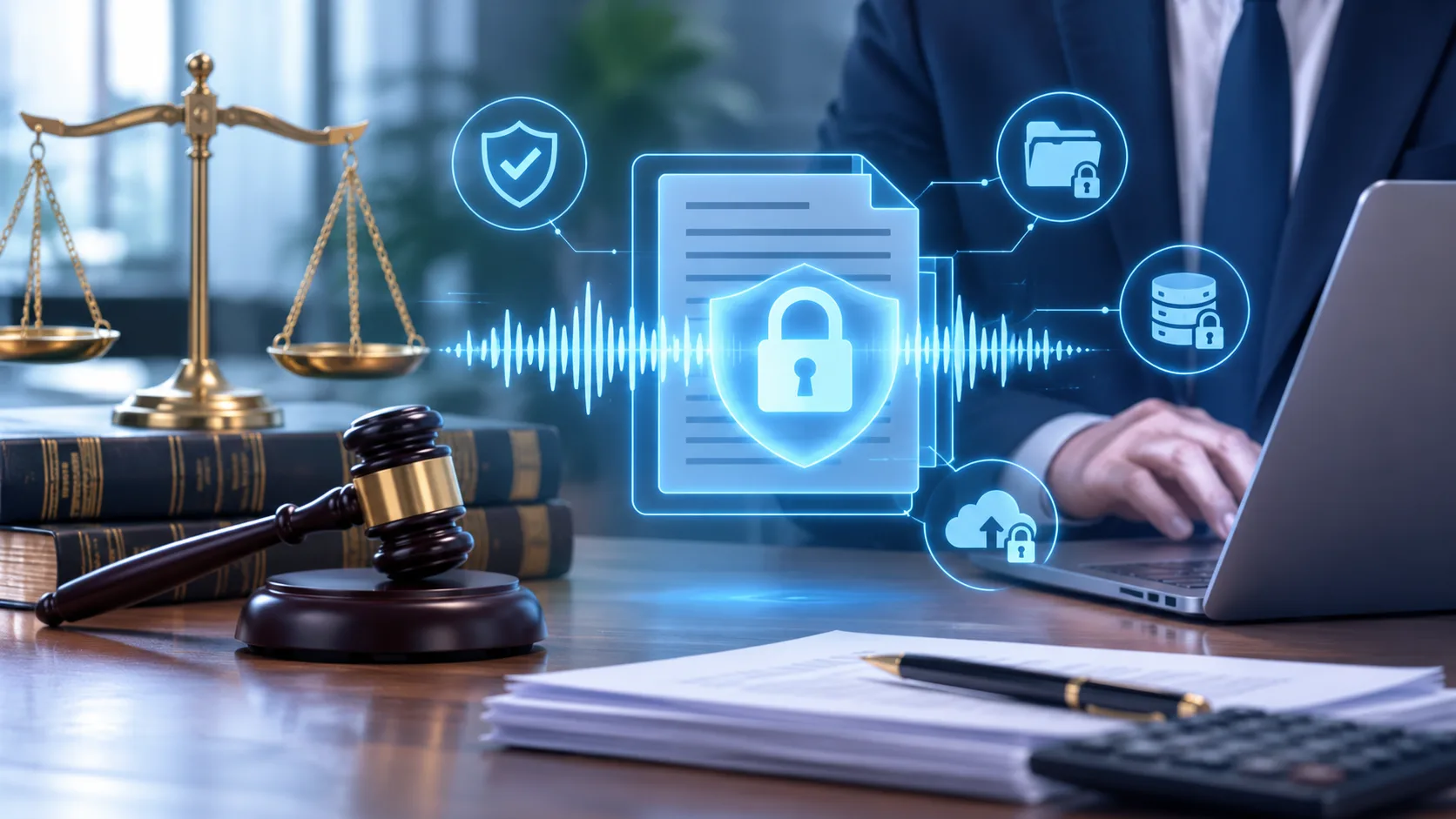
Security Starts Before Transcription
A transcription workflow begins with the recording, not the transcript.
Before evaluating AI accuracy or summary features, consider how the audio is captured. Does recording require another service or automated participant? Is the audio stored locally first? Is it automatically uploaded somewhere after the conversation ends?
Every additional system that receives a recording creates another place where sensitive information must be protected.
For legal and financial work, a simpler secure recording workflow can reduce that exposure:
Record → Process → Review → Export or share only when needed
The fewer automatic transfers between those stages, the easier it is to understand where the information actually resides.
Where Does the Audio Go for Transcription?
This is one of the most important differences between transcription products.
Cloud transcription normally requires the recording to be transmitted to infrastructure operated by the provider or its processing partners. Local transcription processes the audio on the user’s own device instead.
Neither architecture should be judged by a label alone. Cloud systems can implement strong security controls, while local processing still depends on the security of the device itself.
But the data flows are different.
If a confidential recording can be transcribed without being uploaded, the original audio does not need to enter an external processing environment in the first place.
That can be particularly relevant when evaluating secure transcription for legal records, confidential financial conversations, or other material where minimizing unnecessary access is important.
Local Processing Does Not Solve Everything
Keeping transcription on-device reduces one category of exposure. It does not make the rest of the workflow automatically secure.
Once a transcript exists, consider:
- who can unlock the device;
- where local files and backups are stored;
- whether transcripts are copied into other applications;
- how exported files are protected;
- who receives shared copies;
- whether old recordings and transcripts are retained longer than necessary.
This distinction matters because transcription security and information security are not the same thing.
A local AI model may keep audio away from a transcription server, but it cannot protect a transcript after someone exports it to an unsecured folder or sends it to the wrong recipient.
Control Access to the Original Audio
The recording is the source material and often the most sensitive file in the workflow.
Good audio file access control starts with ordinary security practices: device authentication, appropriate file permissions, encrypted storage where available, controlled backups, and clear retention policies.
Organizations should also decide who actually needs the original audio.
A colleague who needs a final transcript may not need access to the underlying recording. A reviewer checking an important quotation may need both.
Treating audio and transcripts as separate information assets makes those decisions easier.
Treat Transcript Sharing as a Separate Security Decision
A transcript is easier to copy, search, paste, email, and upload than an audio recording. That convenience is also why transcript sharing security deserves separate attention.
Before sharing a transcript, ask:
- Who needs it?
- Do they need the complete transcript?
- What system will receive it?
- Will another copy be created or retained?
For sensitive work, generating a transcript securely and then casually distributing it defeats much of the benefit of the original workflow.
Share deliberately rather than automatically.
Exports Create a New Security Boundary
Exporting a transcript changes where responsibility sits.
Once a transcript becomes a text, Markdown, PDF, or other external file, its protection depends on the destination: a local folder, document-management system, email account, collaboration platform, external drive, or another application.
That makes transcript export security less about the Export button and more about what happens afterward.
For particularly sensitive material, consider whether an export is necessary at all. If it is, retain only the copies that serve a clear purpose and apply the security controls appropriate to the destination.
How Geode Handles Sensitive Recordings
Geode is designed around local processing by default.
Recording and local transcription can run directly on supported iPhone, iPad, Mac, Android, and Windows devices without requiring the original audio to be uploaded for transcription. Speaker separation is available on desktop, and supported Macs can also generate Smart Summaries on-device.
Cloud transcription and cloud summaries are available when users choose them, but they are optional rather than a requirement of the core local workflow.
This makes it possible to keep a sensitive workflow local when that is the appropriate choice:
Record locally → Transcribe locally → Review locally → Export or share deliberately
It also means cloud processing can remain an explicit decision rather than an invisible step in every recording.
What to Look for in a Secure Transcription App
For legal or financial records, evaluate the complete workflow rather than a single privacy claim.
A useful checklist is:
1. Recording — Where is the original audio stored?
2. Transfer — Is the audio automatically uploaded anywhere?
3. Processing — Does transcription happen locally or in the cloud?
4. AI features — Do summaries or other analysis introduce a separate cloud step?
5. Storage — Where do recordings and transcripts remain after processing?
6. Access — Who can open the original audio and transcript?
7. Export — What happens once the transcript leaves the application?
8. Sharing — Which people and systems receive additional copies?
9. Retention — How long does each copy need to exist?
These questions are often more informative than a generic claim that a transcription service is “secure.”
Data Protection Is a Workflow
AI transcription can remove hours of manual work from legal and financial recordkeeping. It can also introduce unnecessary data movement if the workflow is not understood.
The goal is not simply to find the most private transcription engine.
It is to control the recording from the moment it is captured until the last necessary copy is stored, exported, shared, or deleted.
For sensitive records, a useful principle is simple:
Keep data local when it does not need to leave. Move it deliberately when it does.
That is a stronger foundation for secure transcription than relying on a privacy label alone.