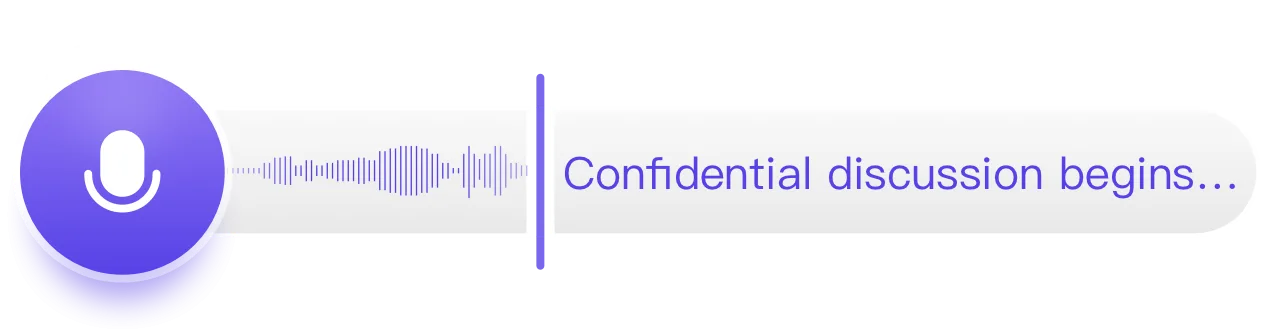
Record conversations and system audioOn-device transcription and summaries by default in 90+ languages with speaker separationCloud transcription and cloud summaries are available when you need them.No bot. No meter.
 Requires Apple Silicon (M1 or newer) · 7-day free trial · No credit card required · Also available for iPhone
For work that requires more than a transcript
Lawyers, therapists, financial advisors, and HR professionals whose conversations carry legal or ethical weight.
Geode processes locally by default — your content stays on your machine, not on a third-party server.
Long client sessions, high-density conversations, deliverable-driven output.
Speaker separation, summaries, and editing in one workflow — record on Mac or start on iPhone and continue on Mac.
Interviews, field recordings, and multilingual sessions often need more than raw text.
Mac is where transcripts get reviewed, corrected, separated by speaker, and turned into research-ready material — with local processing by default.
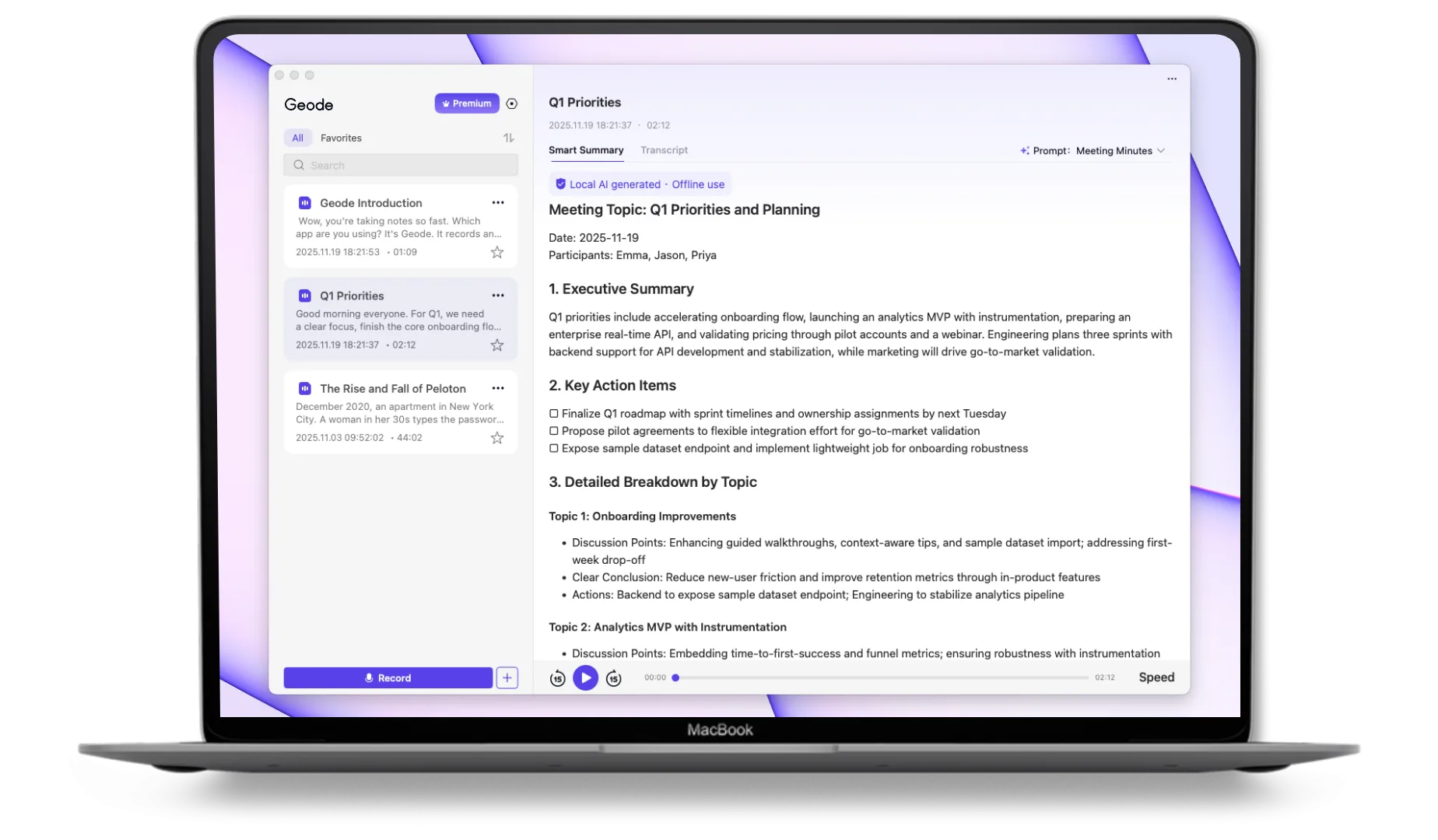
Geode on Mac gives you the full workflow: record, transcribe, separate speakers, summarize, and edit — all in one app, all on your device. Cloud transcription and cloud summaries are available when you need them.

Mac includes everything you can do on iPhone, plus additional capabilities powered by Apple Silicon.
Automatically separates speakers across a recording, so you can tell voices apart at a glance, and label them if you want.
Structured summaries generated from your transcript. Choose from built-in templates or customize your own. Run them locally on Mac, or use cloud AI when you want more.
A more powerful on-device model for more accurate transcripts in 90+ languages — still local by default, with cloud AI available when you need it.
A full workspace for reviewing, correcting, and editing transcripts, with Markdown support and room for longer sessions.
For users building automated workflows that keep data on device or under their own control, Geode on Mac can fit into OpenClaw-based pipelines — making it easier to route transcription and summary output into your own tools without sending data to a cloud service.





See plans for Mac, iPhone, iPad, and cross-device use.
Pricing and plan details may evolve as Geode continues to develop. Subscription features remain available according to your plan, and renewals are charged at the then-current rate.
Can't find the answers you're looking for? Click the button below to find the answers you need.
Geode for Mac is a recording, transcription, and summarization app for professionals who work with conversations, interviews, meetings, lectures, and long audio. It records audio on your Mac, transcribes it locally by default, supports speaker separation, and creates local AI summaries on Apple Silicon Macs.
Yes. Geode supports on-device transcription on Mac by default. Your audio can be processed locally on your Mac instead of being uploaded to a cloud transcription service. Optional cloud transcription is available when you choose it, but local transcription is the default workflow.
Yes. Geode can record audio playing on your Mac, including audio from meetings, interviews, online calls, lectures, courses, podcasts, and other apps. It does not require a meeting bot to join your call. Always follow applicable consent, recording, workplace, and privacy rules before recording.
No. Geode does not send a bot into your meeting. It records the audio playing on your Mac, then turns that recording into a transcript. This is useful for professionals who want meeting notes without adding an AI participant to the call.
Yes. Geode supports speaker separation on Mac, so transcripts can identify different speakers in a conversation. This is useful for interviews, client meetings, research sessions, coaching calls, and multi-person discussions where knowing who said what matters.
Yes. Geode can create local AI summaries on supported Macs. This helps turn long conversations into structured notes, key points, action items, and reviewable summaries without needing to rely on a cloud AI summary workflow by default.
Geode for Mac requires macOS 13 or later and an Apple Silicon Mac, such as M1 or newer. 8 GB RAM or more is recommended. Intel Macs are not supported.
Geode can be a MacWhisper alternative for users who want more than file transcription. Geode combines recording, local transcription, speaker separation, local AI summaries, editing, and iPhone-to-Mac workflows in one app. MacWhisper is a strong Mac transcription tool, while Geode focuses on a broader recording-to-summary workflow.
Yes. Geode is designed for long recordings such as interviews, meetings, research sessions, coaching calls, lectures, and professional conversations. Paid local transcription workflows are not billed by the minute, so you can process long audio without watching a usage meter for local transcription.
Yes. New users can try Geode free for 7 days with all features included. No credit card is required, and the account automatically converts to the Free Plan after the trial.
The Discord is the fastest way to get a real answer.
Start with 7 days on your Mac. Add iPhone during your trial and unlock 7 more days.*Requires Apple Silicon (M1 or newer)
Android and Windows are coming next — with the same account and the same workflow.
Adding {{itemName}} to cart
Added {{itemName}} to cart